

Most SEO professionals have GSA SER but do not get results from it. Why? Because they run it on the wrong machine. GSA SER needs to work 24 hours a day, 7 days a week. It needs fast SSD storage and at least 2 GB RAM with a strong connection. Your laptop sleeps at the right moment, but a dedicated RDP never does.
SEO professionals using the best RDP for SEO get 3x more successful submissions than those running GSA SER on a local PC, as we found from the BlackHatWorld SEO community. The best RDP for SEO automation keeps your campaigns running while you sleep or you take a break. There are no crashes and no lost submissions; you just get results.
After testing and evaluating the results, we have found the 5 best RDPs for SEO so you can stop wasting money and start getting real results and out of those, these are our top 3 recommendations, which you can prefer first.
QloudRDP
- Unlimited Bandwidth
- 24/7 Automation Continuity

Kamatera

Ultahost
What is GSA SER in SEO Automation?
GSA Search Engine Ranker is a link-building automation software used by SEO professionals to create backlinks for their websites automatically and 24/7 without being manually involved.
Like, if your competitor has 5000 backlinks and you have 200, GSA SER closes that gap fast by continuously submitting your site across thousands of platforms overnight. But GSA SER needs to run non-stop to deliver real results, and your PC simply cannot handle that. It will slow down or overheat and maybe shut down.
That is exactly why SEO professionals use an SEO RDP for automation that will stay on 24/7, giving the GSA SER the desired RAM and SSD speed it needs, so your projects can run even when your computer is off.
Why Your Local PC Falls Short?
Your local PC is quietly working against you. You are in the middle of a campaign, and suddenly, GSA SER freezes. It runs out of RAM mid-task. It slows down when you open too many tabs and many other possible reasons like those mentioned below.
To run your GSA SER 24/7 safely, first you need to understand the minimum and the recommended hardware requirements an RDP needs.
| Hardware Specifications | Minimum Requirements | Recommended RDP Specification for GSA SER |
|---|---|---|
| CPU | 2 vCPU Cores | 4-6 vCPU cores (AMD EPYC/ Ryzen, or Intel Xeon) |
| RAM | 4 GB | 8-16 GB |
| Storage | 40 GB SSD | 80-100 GB NVMe SSD |
| OS | Windows Server 2016 | Windows Server 2019/2022 |
The right hardware will make sure that your GSA SER runs at full capacity 24/7 without facing crashes or missing link-building opportunities.
5 Best RDP for SEO Automation Tools
The right RDP doesn’t just run your SEO tools, but it runs them without stopping or slowing down. So after giving it a thought, we have now brought the list of 5 best RDPs for your SEO automation tools.
TL;DR
- QloudRDP: 99.9% uptime & 100% SEO performance.
- Kamatera: 24 Global Locations & Zero Downtime Excuses.
- Ultahost: Hosting that Heals Itself.
- YouStable: Stable 24/7, So Your Rankings Never Drop.
- Interserver: One Price, Unlimited Power & Zero Surprises.
1. QloudRDP
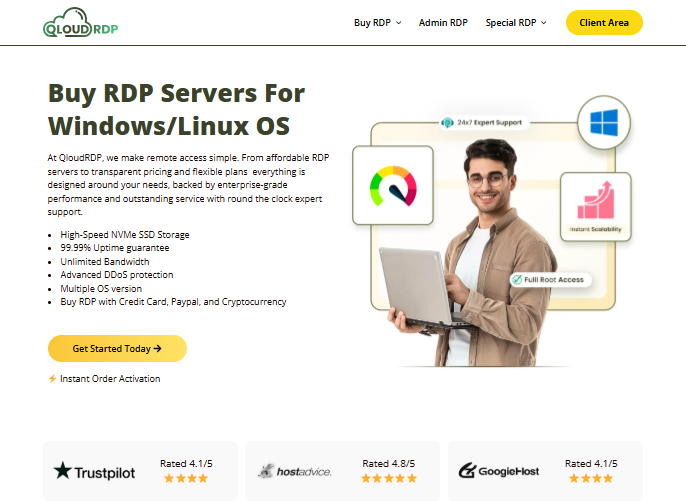
QloudRDP is an India-based Remote Desktop Protocol server provider that offers affordable and fully managed Windows/Linux server environments with 100% admin access.
It delivers unlimited bandwidth and ultra-low latency with DDoS protection that is powered by premium AMD EPYC 7320P with NVMe SSD hardware. It has servers in 12+ data centers worldwide and has been serving users worldwide.
You get a 99.99% uptime guarantee with their 24/7 support. QloudRDP becomes one destination for SEO professionals/agencies and businesses.
Key Features
Let’s see QloudRDP core features:
Recommended Plans
Why Choose QloudRDP?
You can choose QloudRDP because
Disclaimer: QloudRDP is our provider, but our review and recommendations in this blog remain fully unbiased. Every feature and spec has been evaluated honestly based on real performance data to help you make the best decision for your GSA SER campaigns.
2. Kamatera
Kamatera is a cloud-based infrastructure provider that offers enterprise-grade Windows VPS deployments with built-in RDP access.
This platform works by being powered by Intel Xeon Gold/Ice Lake processors (2.7GHz) and NVMe SSD storage. You get guaranteed 99.95% uptime with real-time CPU and RAM.
Here, you get billed hourly or monthly, and you have to pay for resources that you actually use. You can configure firewall rules and IPs and access their policies directly from their cloud panel.
Key Features
Let’s see Kamatera’s features:
Recommended Plans
Why Choose Kamatera?
Go with Kamatera because:
3. Ultahost
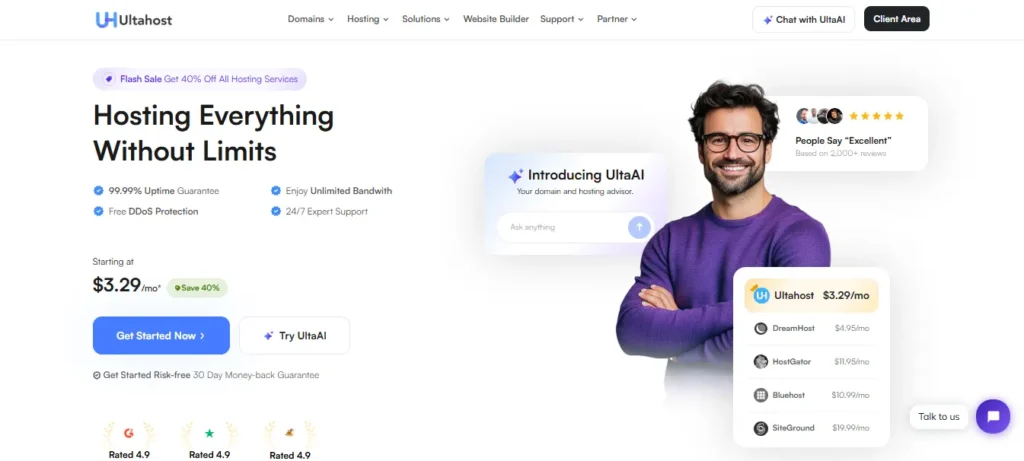
UltaHost is built for SEO professionals who need their GSA SER server running 24/7. It runs on dedicated AMD with NVMe SSDs with unrestricted bandwidth and 99.99% uptime guarantee, giving your campaigns the stability to keep delivering results.
It also has the modern NVMe SSDs, and the fact that keeps UltaHost unique is its instant one-click scaling from its control panel. You get automatic backups and unrestricted bandwidth on a high-speed network that is backed by a 99.99% uptime guarantee.
It even offers a 30-day free RDP trial and supports 4 Windows OS versions, considered the rarest feature among competitors.
Key Features
UltaHost’s features are:
Recommended Plans
Why Choose Ultahost?
Choose UltaHost because:
4. YouStable
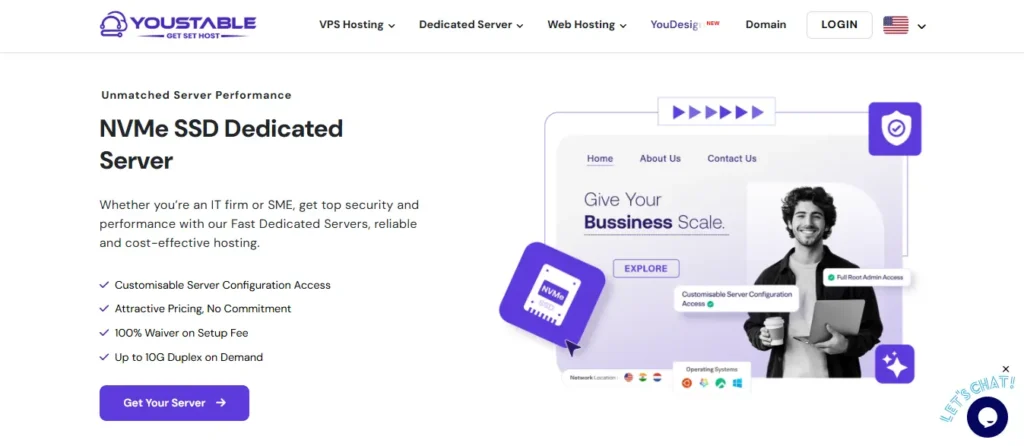
YouStable is a hosting provider that offers web hosting and VPS hosting with dedicated servers. You even get services for your domains along with SEO services.
It stands out as a unique provider for delivering performance-focused RDP that especially becomes a major spot for SEO professionals who need reliable automation and budget-friendly solutions, too.
You get their built-in DDoS protection and IP access that will help you to protect your RDP from attacks and keep it to limited access. Youstable offers a dedicated 1 IPv4 address that comes with better security and SEO performance.
Key Features
Let’s see its key features:
Recommended Plans
Why Choose YouStable?
You can choose YouStable for reasons like
5. Interserver
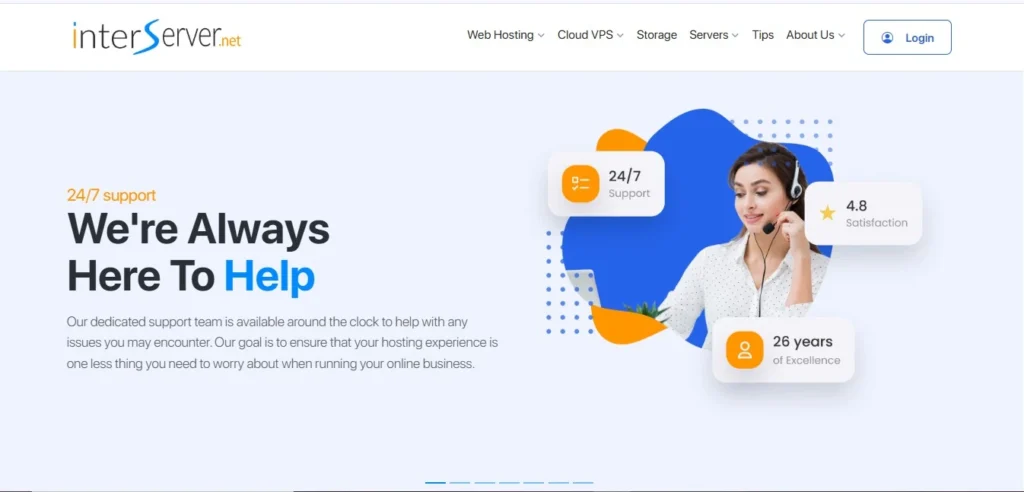
InterServer is a US-based RDP provider backed by a 100 Gbps network that sustains high-volume requests for SEO automation tools like GSA SER and Scrapebox.
Here, your Windows server is fully supported with complete admin RDP access, so every SEO tool installs and runs exactly as it would on your own PC.
The best part about InterServer is their price lock guarantee, where whatever you pay from day one is what you pay forever; there are no surprises.
Key Features
Recommended Plans
Why Choose Interserver?
Choose InterServer because:
Comparison Table: 5 Best RDP Providers for GSA SER in 2026
Choosing the best RDP for GSA SER needs looking at every aspect of hardware critically. Here are the top 5 provider stacks for 2026.
| Providers | Entry Price | Base CPU & RAM Specs | Storage type | Port Speed | Monthly Bandwidth Allocation | GSA SER Suitability(Verdict) |
|---|---|---|---|---|---|---|
| QloudRDP | $9.99/mo | 1 vCPU, 2 GB RAM | NVMe SSD | 1 Gbps | Unlimited | Best budget pick – full admin access & unlimited bandwidth. |
| Kamatera | $27/mo | 2 CPU cores, 2 GB RAM (customizable) | NVMe SSD | 10 Gbps | 5 TB | Best for power users, customize exact CPU & RAM. |
| UltaHost | $16.50/mo | 2 CPU cores, 2 GB RAM, 50 GB NVMe SSD | NVMe SSD | 1 Gbps | Unlimited | Multi-instance GSA SER-99.99% uptime for non-stop campaigns. |
| YouStable | $27.99/mo | 2 cores, 4 GB RAM & 60 GB NVMe SSD. | NVMe SSD | 1 Gbps | 1 TB | For heavy setups, 4 GB RAM & 60 GB storage to handle target lists. |
| Interserver | $10/mo | 1 Core, 4 GB RAM | SSD | 1 Gbps | 4 TB | 4 GB RAM & 4 TB bandwidth cover a consistent daily GSA SER campaigns. |
All five providers support full Windows RDP access, and you can easily run GSA SER reliably, but your choice should depend on budget and campaign length, so choose wisely.
Why is RDP ideal for running GSA SER?
It is very good for your GSA on SEO RDP for obvious reasons, like the following:
Conclusion
If you want to run your GSA SER 24/7, it’s not just a convenience; it’s the only practical way to run your serious link-building at scale. A local machine simply cannot match the uptime and dedicated resource requirements that RDP provides.
The right RDP can turn your GSA SER from a tool you occasionally run into a fully automated link-building machine that works while you sleep or you travel. Stop wasting time running GSA SER on a machine that was never built for it. Get an admin RDP for SEO tools today, set it up in minutes, and let your campaigns run 24/7.
Further Readings
Frequently Asked Questions
Which is the best RDP for GSA Search Engine Ranker?
QloudRDP is a strong choice for running GSA SER 24/7 if you want full admin access at an affordable entry price. It runs on NVMe SSD storage and a dedicated IP, giving your GSA fast disk writes and the stable connections it needs to build links. All SEO professionals who need a reliable RDP environment with 24/7 performance can consider this provider.
Do I need technical knowledge to run the GSA Search Engine Ranker on RDP?
No, not really basic knowledge helps, but it’s not required. You just connect through RDP, install GSA like any Windows software, load your proxies and CAPTCHA solver, and then you can set your campaigns running.
Do I need an admin RDP or a shared SEO RDP for GSA SER?
Yes, selecting the best Windows RDP for SEO means you get a full admin RDP because shared RDP limits what you can install and restricts GSA’s settings and integrations. Full admin access will give your GSA complete control over the server to run.
How much RAM does GSA SER actually need on an SEO RDP?
Minimum of 4 GB RAM for basic campaigns under 100 threads. For your serious link building on your SEO RDP, you need 8-16 GB RAM.
Can I run GSA SER on a Linux RDP to save on Windows RDP license costs?
No, GSA SER is built exclusively for Windows and has no Linux version. If you run it through it, it could give you unreliability, which is not worth the risk of corrupted campaigns. A licensed Windows RDP server is the only stable option.











4 Comments