

QloudRDP is the best overall in 2026, providing a dedicated RDP for isolated bulk email sending to protect IP reputation. Kamatera, on the other hand, offers a cloud VPS for building custom application pipelines (Docker + n8n) connecting triggers, APIs, and email sends. The third recommendation is UltaHost, which focuses on hosting bundled with email automation, making it ideally suited for simpler setups.
I’ve spent the last few months running email automation campaigns and found that sending more emails does not mean getting more results.
Email automation has become an essential part of modern customer communication. I found in a Statista report that there will be more than 376 billion emails per day in 2025. So email marketing is something that has become a critical part of your everyday lives.
This is where email deliverability becomes critical. A reliable RDP helps ensure your automated emails reach inboxes instead of spam folders.
I tested these 5 best RDP for email automation based on speed and reliability. If you are sending bulk emails from your regular computer, email providers will flag your IP, and your messages will land in spam, but an RDP can fix this.
It’s like a separate computer running with its own IP address, so your emails are faster and cleaner.
It’s just real results from someone who’s dealt with campaign issues. If you also send emails for work or for your business, this guide is for you.
Before diving into , here are my top 3 recommendations
- Best For
Isolated Bulk Emailing
QloudRDP
- Focus :
IP Reputation
- Focus :
- Best For
Custom PipelinesKamatera
- Focus :
API & Triggers
- Focus :
- Best For
Simple SetupsUltaHost
- Focus :
Email Automation
- Focus :


- What Makes an RDP a Necessity for Email Automation?
- Quick Comparison Table of 5 Best RDP for Email Automation
- How I Chose my Top 5 Providers
- 1. QloudRDP
- 2. Kamatera
- 4. InterServer
- 5. YouStable
- Direct Comparison of Top 2 Email Automation RDP
- How to Set Up Email Automation on RDP?
- Conclusion
- Frequently Asked Questions
What Makes an RDP a Necessity for Email Automation?
Your emails are mostly sitting in spam, or worse, they are getting blocked before reaching the server. If you need to send bulk emails, email providers see it as suspicious, but an RDP can change this quite easily.
Here are some major reasons why it can become a necessity.
Email automation is not just about sending more messages; it’s about sending smarter ones. The right RDP gets your emails to the right people on time and every time.
What are the various automation tools that can be run on RDP?
Sending emails manually can be time-consuming and difficult to manage, especially when you need to reach a large audience regularly. This is why marketers and businesses rely on email automation tools. Not every tool is suitable for every use case, and many of them perform better on an RDP than on a local computer.
I have picked five of the most popular email automation tools that users commonly run on RDP for reliable and efficient email campaigns.
Email automation needs the right setup to work properly. Pick one of these five best email marketing automation tools that I’ve used myself on my RDP.
So, pick any tools, pair them with a reliable RDP for bulk emailing, and watch your campaigns actually land in your inboxes.
Quick Comparison Table of 5 Best RDP for Email Automation
Every RDP is not equal for the automation process. Some are faster, whereas some are cheaper, or some have better support.
Here are the five best RDP providers that I have picked for your email automation.
| Providers | Best For | Score | Pricing |
|---|---|---|---|
| QloudRDP | Beginners | 4.8 | $9.99/month |
| Kamatera | Growth | 4.8 | $4/month |
| UltaHost | Performance | 4.9 | $5.50/month |
| InterServer | Budget | 4.4 | $3/month |
| Youstable | Balance | 4.7 | $4.95/month |
Here’s my honest take on this: go with UltaHost if you want the fastest speed and zero headaches. Choose QloudRDP if you are new, and Kamatera for scaling and growth.
Your email workflow automation success depends on this, so don’t rush it. Let’s move forward, and I will make you understand each provider in more detail.
How I Chose my Top 5 Providers
To shortlist the best RDP providers for email automation, I combined hands-on testing with extensive research across community forums, review platforms, and user feedback. I evaluated factors such as setup speed, SMTP/IP reliability, deliverability, uptime, and support quality.
Altogether, all these deliver user satisfaction, and based on these findings, the following providers consistently stood out as reliable choices for email automation workflows.
Choose the Provider which meets your need and is Best For:
Overall | Growth | Fastest-Performance | Budget-friendly | Balanced-Performance
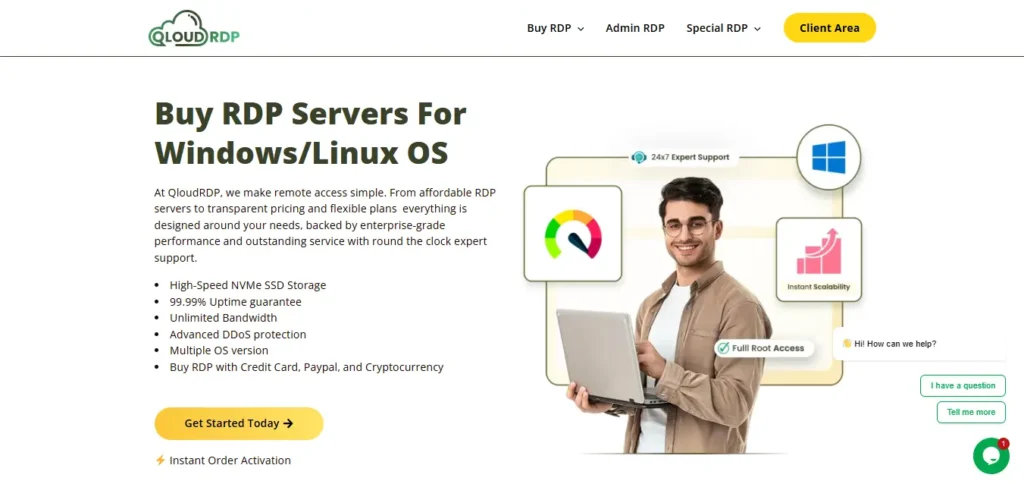
1. QloudRDP
Features:
My Expert Review
So far after using QloudRDP for three months, running my email campaigns, and my experience was solid. The setup took like a few minutes and gave me a clean IP address, so my emails stayed out of spam. The support team even answered my questions fast, so if you are new to automation, QloudRDP won’t let you down. It comes as a reliable and affordable provider.
2. Kamatera

Features:
My Expert Review
I used this platform for my email campaigns monthly. The multiple IP addresses saved me when one got flagged with its uptime being flawless. Security features give peace of mind with sensitive lists, and it’s the best provider for your serious automation. Kamatera will grow as you grow, and it is highly recommended.
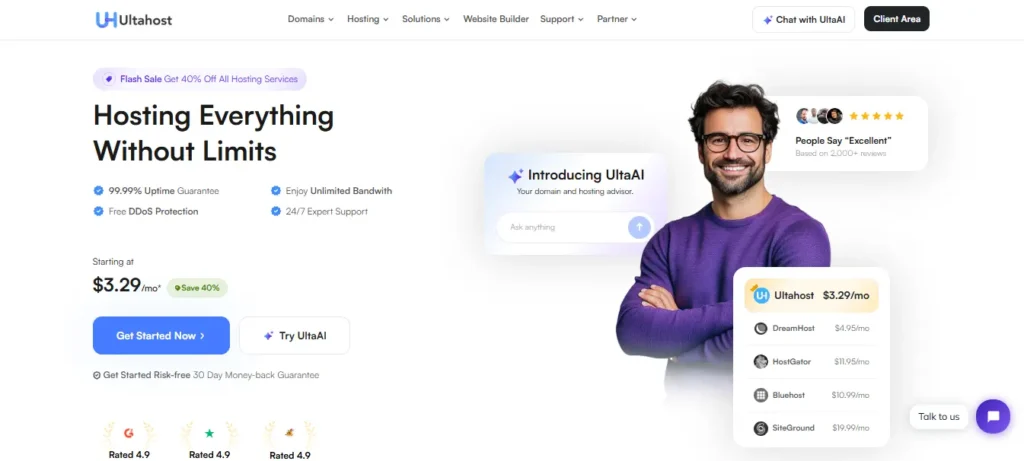
3. UltaHost
Features:
My Expert Review
I genuinely felt that UltaHost is the fastest RDP that I tested for email automation. Deployment was done in a few minutes, along with an IP reputation that was exceptional. You will get enterprise-grade security features, so handling a client list becomes easy. So, if speed and reliability matter for you, UltraHost is a win-win option.
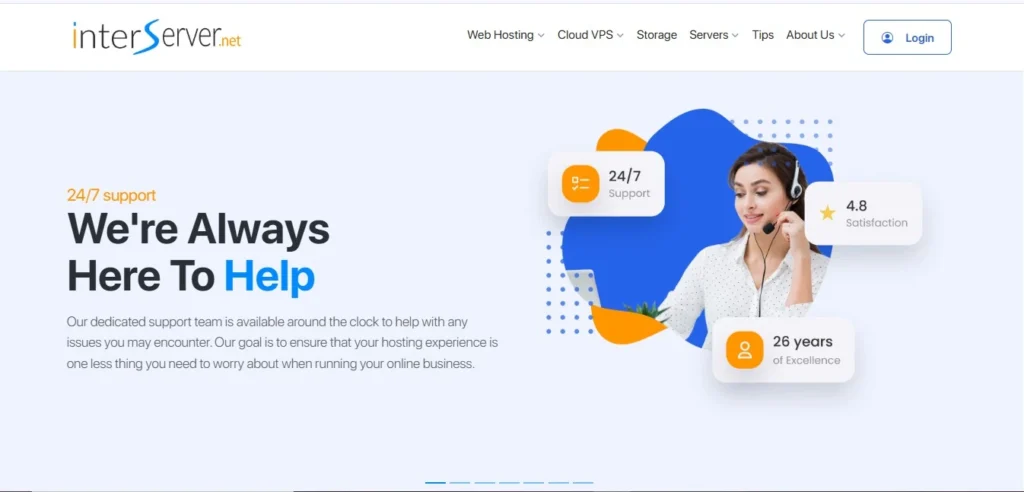
4. InterServer
Features:
My Expert Review
InterServer has seriously delivered solid results; the setup process was so hassle-free. My email campaigns were very stable, and their support team even helped when I had a few technical issues. It’s not the fanciest option for you, but it is definitely a reliable option. So, if you are budget-conscious and require dependable cloud-based email automation software, go with this.
5. YouStable
Features:
My Expert Review
Youstable struck the right balance for my email automation needs. I found the setup smooth with easy deployment. Uptime has been reliable, so my campaigns have been consistently running. You get fair pricing with a solid IP reputation. If you desire to have a middle-ground performance without premium pricing, Youstable is the one.
Direct Comparison of Top 2 Email Automation RDP
Choosing between QloudRDP and UltaHost depends completely on your priorities. Both of them are excellent, but they serve different needs.
Here are the five key factors to help you decide which one is right for your email automation setup.
| Decisive Factor | QloudRDP | UltaHost |
|---|---|---|
| Budget | It’s best for beginners and starts at $9.99/month | Premium pricing starts at $13.99/month |
| Setup speed | 10 minutes, very simple | 15 minutes, slightly more complex |
| Email Optimization | Standard configuration | Specifically tuned for email automation tools. |
| IP Reputation | Clean and reliable | Premium, pre-warned IPs. |
Go for QloudRDP if-
- You are a beginner and budget-conscious.
- You want simplicity over complications.
- You want simplicity over complications.
- Perfect for small to medium campaigns (up to 30,000 emails/month)
Go for Ultahost if-
- If performance is your top priority.
- You want to send high volumes (50,000+ monthly).
- You want enterprise-grade security with reliability.
How to Set Up Email Automation on RDP?
Now we come to the fun part of this article; here I will tell you easy and navigable steps so that you can easily set your email automation on RDP:
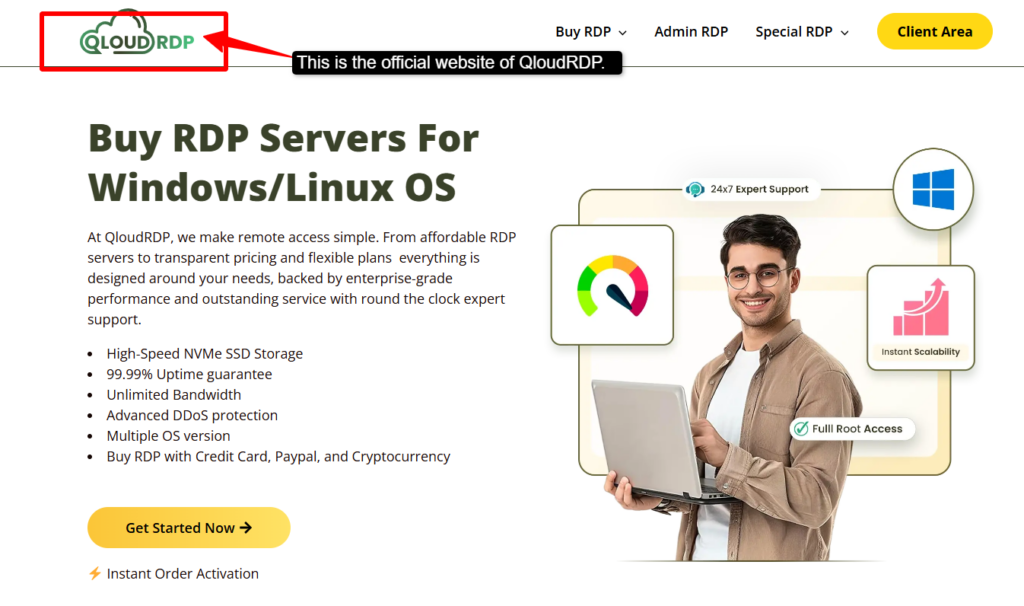
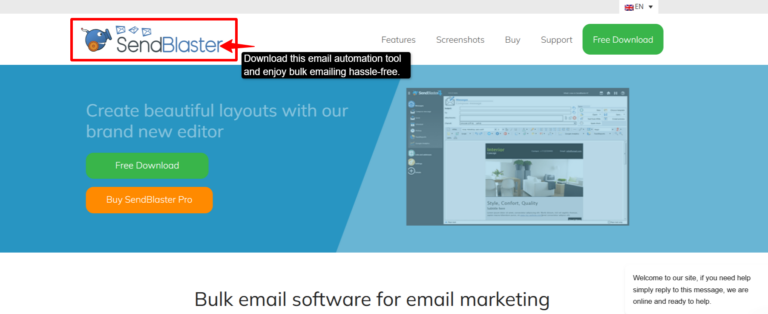
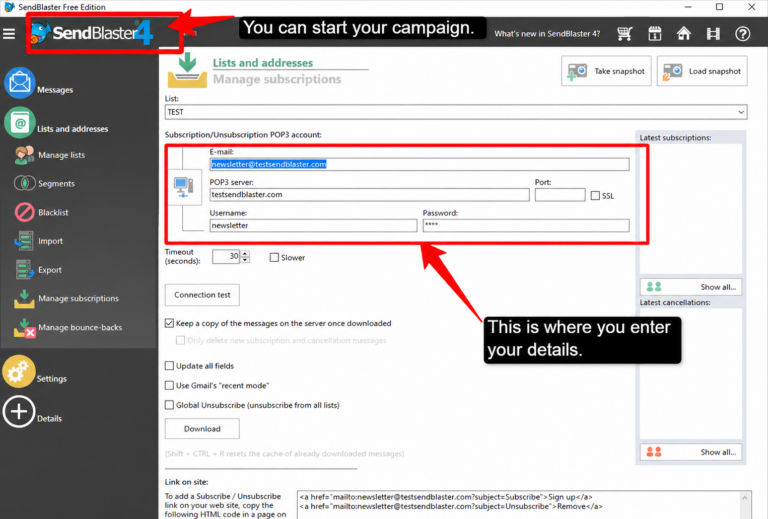
Your automation keeps running in the background. Your emails will be sent automatically on schedule, even while you are doing other things.
Conclusion
Choosing the right RDP for email automation can make a major difference in the reliability and performance of your campaigns. To create this list, I evaluated providers’ features, performance, and benchmarks.
I have kept my keen focus on understanding about the complete reputation of these providers within the email marketing space. QloudRDP can be the best destination for beginners and small-scale automation as it delivers a clear and user-friendly experience.
But, if you are looking for higher performance with more flexibility, UltaHost is a strong choice. Kamatera, InterServer, and YouStable also provide dependable solutions that cater to your different budgets and automation requirements.
The success of your email automation depends not only on the tools you use but also on the environment where they run. Choose a provider that matches your needs, start with a small sending volume, monitor your results, and scale gradually as your campaigns grow.
Your email success starts now.
Further Reading
Frequently Asked Questions
Can I send bulk emails from an RDP without getting banned?
Yes, if you start slowly, then gradually you can. Don’t send 10,000 emails on day one. Start with 50/day, and then you can increase up to 200/day, and then 500/day in the third week. Email providers flag sudden spikes.
What DNS records do I need before sending mail from an RDP?
You need three records in your domain settings:
1. SPF: Tells email providers your RDP is authorized to send.
2. DKIM: Digital signature proving your emails are real.
3. DMARC: Policy that combines SPF and DKIM.
How much RAM do I need on an RDP for email automation?
4 GB RAM is enough for most people. If you want to send 50,000+ emails per day, upgrade to 8GB RAM. RAM helps RDP run smoothly without slowing down. If there is more RAM, a faster sending speed will be achieved.
Why is my RDP IP getting blacklisted even with a dedicated IP?
There could be three main reasons:
1. Sending too fast: Slow down to 20-50 emails/hour.
2. Poor email list quality: Remove fake/invalid emails before sending.
3. No warmup period: New IPs need 2-3 weeks of gradual acclimatization.
Can I run multiple email campaigns at the same time on one RDP?
Yes, but be careful. Running 2-3 campaigns together is fine; if you run 10 campaigns at once, it can overload your RDP and trigger spam filters.











Leave a comment