

Quick Summary: The best Tally on cloud for most small businesses and CAs is a budget-friendly, fully managed Windows setup with daily automated backups. Indian data centers and 24/7 support. QloudRDP, TallyCloud.net, and TallyCloud Hubs give you reliable daily backups with easy restoration and low-latency RDP from an India-based data center.
Do you want to find the right cloud-based accounting solution for your business?
This shift towards cloud-based accounting platforms has become very important for organizations seeking scalability and enhanced security.
Enterprises are increasingly adopting new accounting solutions, so choosing the right cloud provider can make a major difference in efficiency and cost management.
Instead of installing Tally locally on individual companies, these providers maintain Tally on remote servers and make it accessible to users through web browsers or dedicated applications.
It fills the gap of traditional on-premises accounting software and modern cloud computing needs. Many companies face many challenges with traditional Tally installations, including limited accessibility and security vulnerabilities.
This guide brings the five best Tally on cloud providers in India based on critical factors like pricing, data security, and customer support. Understanding these providers’ capabilities is important for selecting the right solution for your accounting needs.
Let’s start.
- Best Tally on Cloud Providers in India: Quick Comparison Table
- What to Look for in a Tally Cloud Provider
- 5 Best Tally Cloud Providers in India (2026)
- Shared vs. Dedicated Tally Cloud: Which Providers Offer What
- How to Choose the Right Provider for Your Business
- Frequently Asked Questions
- Conclusion: The Best Tally on Cloud Provider for You
Best Tally on Cloud Providers in India: Quick Comparison Table
Tally on Cloud lets you access TallyPrime or Tally ERP 9 from any device using Remote Desktop protocol, without buying or maintaining your own server. Most Indian providers offer daily or weekly automated backups, multi-user plans and data centers in India for low latency.
Below is a quick comparison of the five most popular Tally cloud providers in India. Let’s look at the table and understand the five providers.
| Provider | Starting Price (Per-User) | Users | Support | Backup | Best for |
|---|---|---|---|---|---|
| QloudRDP | ₹649/monthly | 1 user (Essential) | 24/7 live chat support plus email support (sales@qloudrdp.com, support@qloudrdp.com) | Free daily backups on all listed Tally cloud plans | CA firms & small teams |
| TallyCloud.net | ₹199/monthly | 1 User | Email and website contact form; and 24/7 live chat support. | Daily free backup. | Small-scale organizations or startups. |
| TallyCloud Hubs | ₹499/monthly | 1 User. | 24/7 phone support (+91931987769 in India) and email support. | Backup (4 copies available for free) | Small to mid-size businesses looking for a budget option. |
| Comhard Technologies | ₹700/monthly | 1 User. | 24/7 phone support and email support. | Daily automatic backups with multiple copies stored. | Enterprise businesses. |
| Tally Experts | ₹550/monthly | 1-5 users. | Phone and WhatsApp plus email, during business hours only. | Daily automatic backups. | Owner or Accountants |
All five providers above are India-based and offer secure remote access to Tally with automated backups and multi-user support.
You should choose the provider that matches your user count, budget, and need for features like 2FA, device restrictions, and enterprise-grade cloud infrastructure.
What to Look for in a Tally Cloud Provider
If you want to go for the right Tally cloud provider, it is not just about the lowest price, but the right provider gives you fast, secure, and stable access to TallyPrime or Tally ERP 9 for your whole team from any device.
In India, many businesses now run Tally on a remote Windows server instead of a local PC, so the quality of infrastructure, backups, and support directly affects your daily accounting needs.
Below, we have given the key factors that you should check before purchasing a Tally cloud plan.
Windows-Optimized Infrastructure
Tally is designed to run on Windows, so your cloud server should be a properly configured Windows environment. So you should always look for providers that offer:
A Windows-optimized stack ensures that all your Tally features, add-ons, and print configurations work very smoothly. It will be just like your local machine, but with the benefit of remote access.
NVMe Storage & Low Latency
Tally works with small database files and frequent read/write operations.
Slow storage can make invoice saving, report generation, and GST filing feel very slow, especially with multiple users. You should always check that the provider is using these:
NVMe storage and low-latency networking make Tally feel responsive even when several users are working at the same time. It helps with testing, opening large companies, or running your GST reports.
Daily Automated Backups
Your Tally data is important for GST, audits, and day-to-day operations. A good provider must always protect it with regular, automated backups that you do not have to manage manually.
Always look for:
If you choose reliable providers, they explicitly mention that they offer daily automated backups with multi-copy storage, which helps in reducing the risk of data loss due to server failure or ransomware.
Indian Data Center & Compliance
Data residency and latency matter for most of the Indian businesses. Hosting your Tally server in an Indian data center gives you:
There are many providers that state that their Tally data is hosted in Tier 3 or Tier 4 certified data centers in India.
When you’re comparing, ask them directly which city or region their data center is in and if they can share uptime or compliance certificates.
Support Quality & Uptime
Accounting work cannot wait. If Tally is slow, down, or showing errors during GST filing or month-end, then at this point you need quick, knowledgeable support.
Check with your provider:
Providers that specialize in Tally on the cloud usually give better help for TSS updates, license issues, and multi-user conflicts.
Before you decide, test their support by asking a few Tally-specific questions. Their speed and clarity in response will tell you how much downtime and frustration you can avoid.
When you compare Tally on cloud providers, look beyond the per-user price. A slightly higher monthly cost can be worth it if you get Windows-optimized servers, NVMe storage, and all the major factors mentioned above.
These factors together determine how smooth and safe your team’s daily Tally work will be.
5 Best Tally Cloud Providers in India (2026)
Tally has been India’s go-to accounting software for businesses of all sizes. Cloud-based Tally solutions offer flexibility, accessibility from anywhere, better security, and reduced IT infrastructure costs.
We have compiled a list of five of the best Tally cloud providers in India that can help streamline your business operations and accounting processes.
1. QloudRDP—Best for Value
QloudRDP is an India-based cloud provider that helps businesses and CA firms run TallyPrime or Tally ERP 9 on a secure cloud server instead of one office PC.
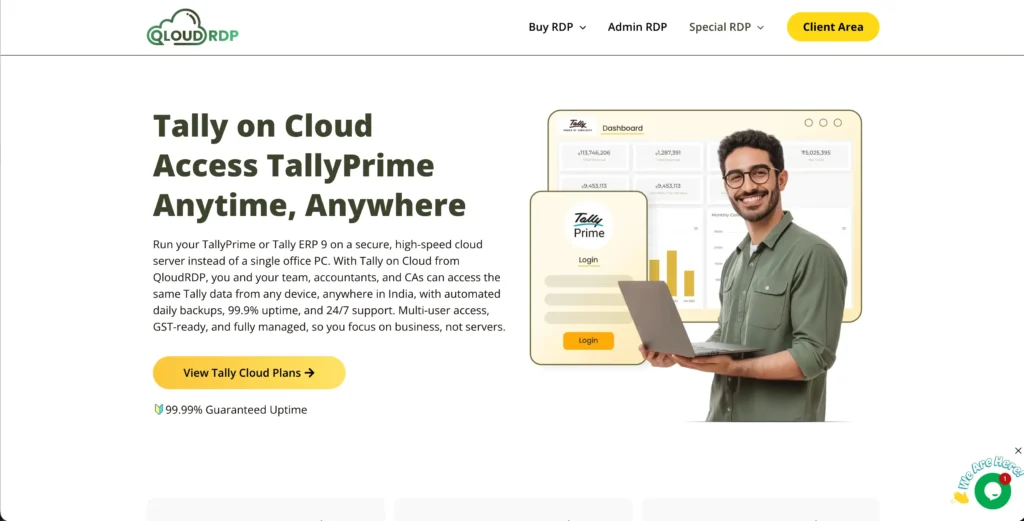
Your Tally data runs on fast NVMe servers in India, and your team can connect from any laptop or phone using a remote desktop. It has low starting monthly plans with automatic backups and 24/7 support.
It gives you strong but reliable Tally access from any device at budget-friendly rates, so move Tally to the cloud without buying or managing your own server.
Pricing:
Below is the pricing that you can use for your Tally on the cloud:
| Plan | Starting Price | Specifications |
|---|---|---|
| Tally Essential | ₹649/month | 2 vCore, 4 GB RAM, 1 user, free daily backup, 50 GB NVMe. |
| Tally Ultra | ₹2199/month | 4 vCore, 8 GB RAM, up to 5 users, 100 GB NVMe. |
| Tally Infinity | ₹4299/month | 8 vCore, 16 GB RAM, up to 10 users, 200 GB NVMe. |
Key Features:
Pros
- Reliable per-user pricing.
- 24/7 Indian support.
- Fast NVMe servers.
Cons
- Primarily RDP-focused.
- Fewer data centers.
Best for:
2. TallyCloud.net—Best for Uptime
TallyCloud.net is an India-focused, cheap Tally on Cloud provider helping small businesses and CA firms move Tally ERP 9 and TallyPrime to the cloud without managing their own server.
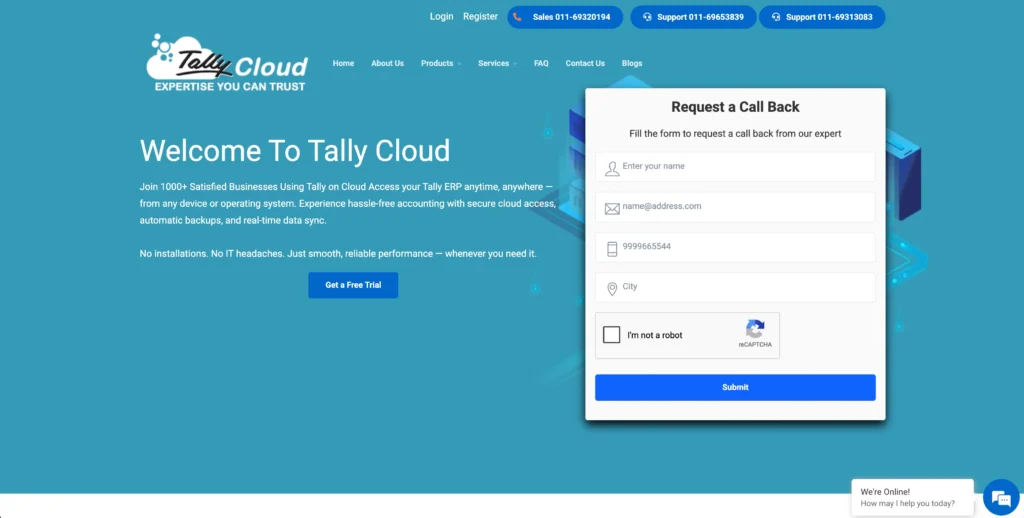
Your team can work from any device with internet. You get a free trial of 4 days, so you can easily check and understand their services well.
It has simple plans with step-by-step migration support. TallyCloud.net is a practical and low-cost choice for firms that want reliable Tally access and basic cloud protection for their accounting data.
Pricing:
Here is TallyCloud.net pricing for you:
| Plan | Starting Price | Specifications |
|---|---|---|
| Tally Public Cloud | ₹ 199/monthly | 10 GB SSD, free daily backup, fully managed. |
| Tally Cloud with License | ₹ 1299/monthly | 50 GB SSD, free daily backup, fully managed. |
| Tally VPS | ₹ 1499/monthly | 100 GB SSD space, free daily backup, fully managed. |
TallyCloud.net offers a free trial of 4 days.
Key Features:
Pros
- Free 4-day trial.
- Clear focus on Tally ERP 9 and TallyPrime.
- Real-time collaboration with the team.
Cons
- Performance depends completely on a stable internet.
- Ongoing monthly fees can add up over time.
Best for:
3. TallyCloud Hubs—Best Budget Option
TallyCloud Hubs is an Indian-based specialist in Tally on the cloud, serving 2,000+ users with shared and dedicated hosting for TallyPrime and Tally ERP 9.
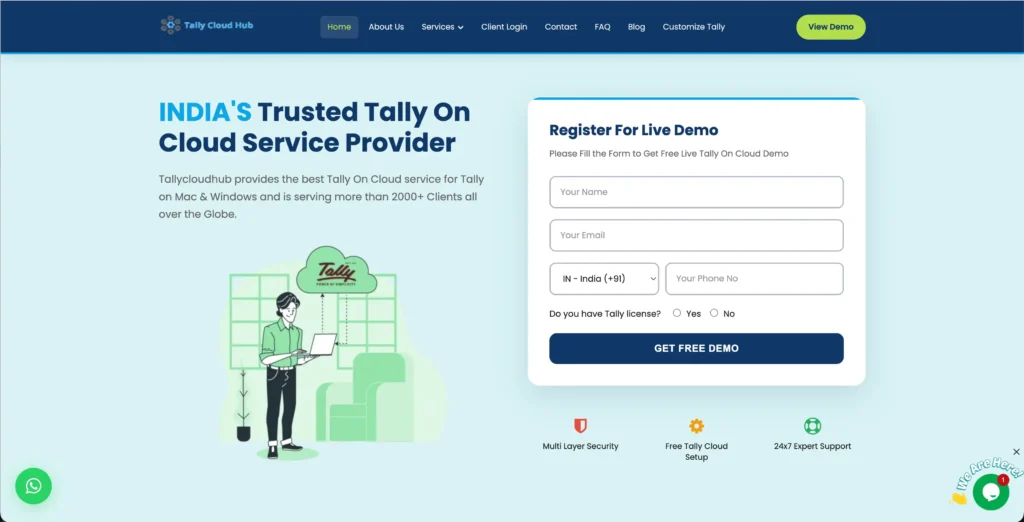
It runs your Tally on isolated virtual machines in Tier 3 Indian data centers with automated daily backups, role-based access, and a 99.99% uptime SLA.
It is the best destination for growing businesses that require strong security, clear compliance, and the option to move from shared to dedicated Tally servers as they scale. TallyCloud Hubs is a reliable and Tally-focused cloud provider.
Pricing:
Here is the pricing of TallyCloud Hubs so you can see all tier plans and decide accordingly.
| Plan | Starting Price | Specifications |
| Economy | ₹499/monthly | High-speed monthly bandwidth, 99.99% Uptime, Daily backups & 24/7 support. |
Key Features:
Pros
- Tier 3 data centers with strong encryption.
- Multi-copy storage with quick restore.
- 24/7 monitoring.
Cons
- Dedicated plans cost more than one basic shared Tally cloud.
- Third-party security dependencies.
Best for:
4. Comhard Technologies- Best for Enterprise.
Comhard Technologies is another India-based cloud and IT services company offering managed Tally solutions for medium to large-sized businesses and enterprise users.
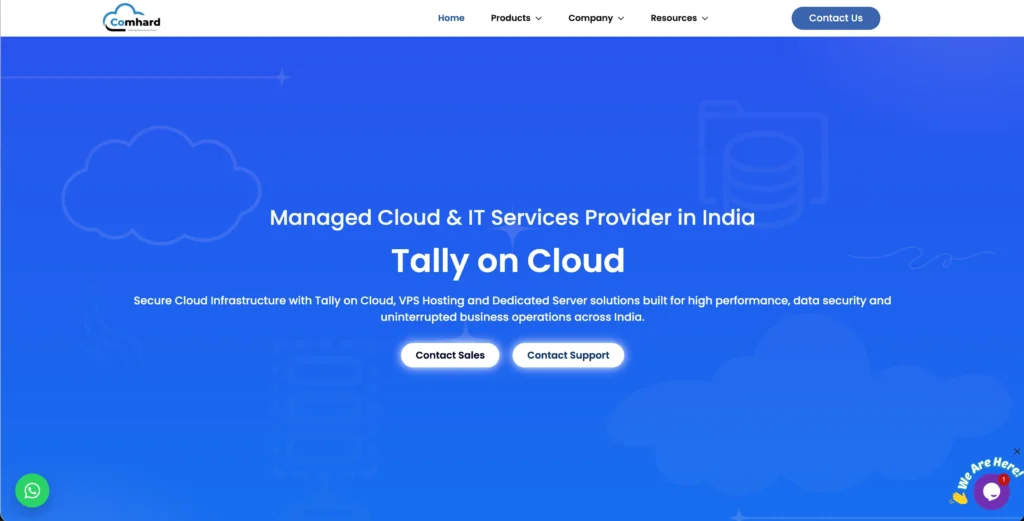
Its CoCloud platform delivers TallyPrime and Tally ERP 9 with unlimited company additions, unlimited bandwidth, advanced user controls and optional dedicated VMs for heavy workloads. The platform supports Tier 4 data center locations and includes both local and remote printing capabilities.
All of their plans offer trial periods, allowing you to test features before commitment. It is a perfect choice for multi-brand businesses and CAs firms.
Pricing:
Here you can see the pricing of their plans with proper specifications mentioned clearly.
| Plan | Starting Price | Specifications |
|---|---|---|
| Essential | ₹700/month | HTML5 web-based access with storage, daily backup, and free migration. |
| Advance | ₹1050/month | User logs, device restrictions, Google Drive backup, 2FA. |
| Enterprise | ₹1400/month | Dedicated account manager & 50 GB storage. |
Comhard Technologies offers a 7-day free trial. They have a very strict refund policy.
They clearly state on their website that refunds related to client-side issues like incompatibility, misconfigurations, and user errors will not be accepted at all.

Key Features:
Pros
- Enterprise-ready security.
- Managed cloud platform.
- Smooth Multi-User Performance.
Cons
- Outages or slow networks directly impact Tally performance.
- Small firms might not enjoy its full enterprise capabilities.
Best for:
5. Tally Experts—Best for reliable accounting.
Tally Experts is a Tally cloud specialist that helps CA firms, multi-branch businesses and growing companies running TallyPrime and Tally ERP 9 on secure cloud servers.
Tally Experts also supports TallyPrime customization, including TDL development, customized reports and invoices. It has excel imports, API integrations and role-based security controls.
All of this makes Tally Experts perfect for businesses that need both secure remote access to Tally and a customized accounting workflow.
They offer simple per-user monthly plans that even become cheaper as you add more users. It is a completely secure destination for all your accounting needs.
Pricing:
Here is the pricing for Tally Experts:
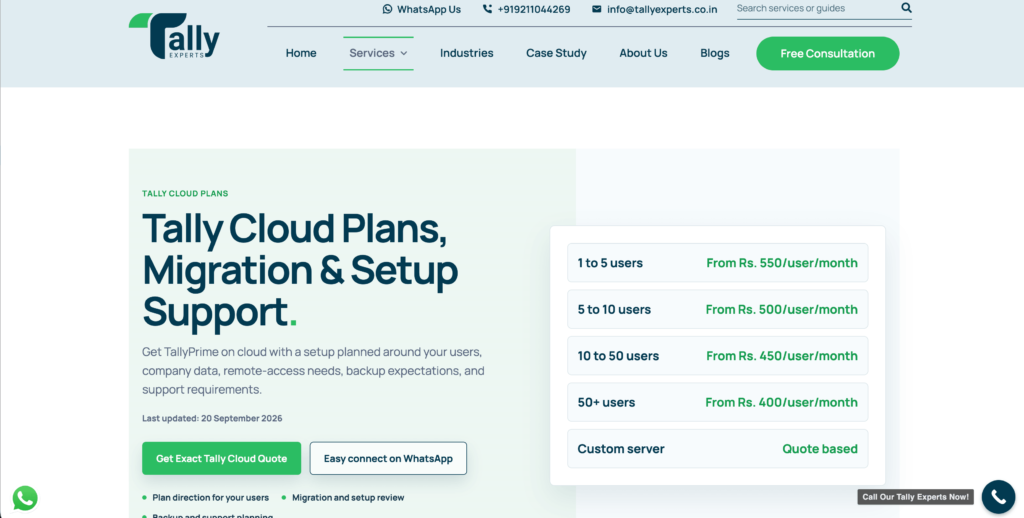
| Plan | Starting Price | Specifications |
|---|---|---|
| 1-5 Users | ₹550/month | Remote access, backup & support scope included. |
| 5-10 Users | ₹500/month | Same model, better per-user rate as user count increases. |
| 10-50 Users | ₹450/month | Enterprise-style pricing, server sizing, and access planning are included. |
Note: Tally Experts plan costs decrease as your user count increases.
Key Features:
Pros
- Up to 200-day retention.
- One-click restore option.
- Online user monitoring.
Cons
- High-Cost Customization Structure.
- Staging or testing friction.
Best for:
All of these five providers give Indian businesses a practical way to run Tally on the cloud without buying or managing their own server. Small teams and solo CAs can start with budget-friendly providers and later can switch to enterprise-grade platforms once their user count or business grows.
Shared vs. Dedicated Tally Cloud: Which Providers Offer What
Most Indian Tally on cloud service providers offer both shared (user-based) plans and dedicated (VM/VPS) options, but they position them differently.
Shared or single users and small firms, while dedicated for SMEs and multi-branch teams that need guaranteed resources and isolation.
| Provider | Shared Tally on Cloud | Dedicated Tally on Cloud |
|---|---|---|
| QloudRDP | Yes. | Yes. |
| TallyCloud.net | Yes. | Yes. |
| TallyCloud Hubs | Yes. | Yes. |
| Comhard Technologies | Yes. | Yes. |
| Tally Experts | Yes. | No. |
In short, all of these five providers support shared Tally on the cloud, but only Tally Experts is a provider that focuses on shared multi-user plans. You can easily match your choice to your user count and performance needs.
How to Choose the Right Provider for Your Business
If you want to pick the right Tally cloud provider, then it’s more about matching your user count, performance needs, and support expectations.
You can refer to the information given below as a quick checklist for your needs.
For a Single CA / Freelancer
Must-have features:
For an SME (2–10 Users)
Must-have features:
For a Multi-Branch/Enterprise
Must-have features:
Once you know your user count and budget, you can ask your provider for a trial if they offer one and test their login speed, report generation, and backup/restore before committing.
This simple approach helps you avoid overpaying for resources you don’t need while keeping your Tally data secure and fast for your team.
Frequently Asked Questions
Which is the best Tally cloud provider in India?
The best Tally cloud provider in India is QloudRDP. It offers affordable plans starting at ₹649/month with support for 1 to 10 users. The service includes free setup, data migration, daily backups, and 24/7 support with a 99.95% uptime guarantee. There are no hidden charges, and the licensing requirements are clear and transparent.
What is the cheapest Tally cloud hosting in India?
TallyCloud.net is the cheapest cloud hosting in India, starting at just ₹199/monthly. You can choose the annual payment for better discounts. It offers basic RDP hosting with 99.95% uptime. You can start with a single user and scale gradually.
Do Tally cloud providers include a Tally license?
Yes, most of the providers include a Tally license in the monthly fee. You always need to confirm with your provider before purchasing any plan.
Is my data safe with Tally cloud providers?
Yes, data is safe with Tally cloud providers, as they use automatic daily backups, advanced firewalls, real-time antivirus, and role-based access with secure data access. There is encrypted data transmission and storage with quick restoration capabilities.
Do these providers offer daily backups?
Yes, they offer automatic daily backups, included in their plans. Backups are taken nightly, then they are retained for a minimum of 30 days, stored in separate secure locations, and restored within hours whenever needed.
Can I try Tally on Cloud before buying?
Yes, many providers offer you a free trial, so you can very well go for the trial before you make your final purchase.
Conclusion: The Best Tally on Cloud Provider for You
If you want to go for the right Tally on the cloud in India, then it all depends on your team size, budget, and how much you value security, support, and performance.
Choosing a good provider is not just about the lowest pricing, but it is also about giving you fast, secure, and stable access to Tally for your whole team.
Small firms and solo CAs can start with budget-friendly providers, whereas growing businesses can look for providers that have clear multi-user pricing and strong support during GST and month-end. By comparing all the options above, you can clearly understand your needs and avoid hidden costs and performance issues.
The right Tally on cloud setup helps your team work from anywhere, protects your financial data, and makes your daily accounting and GST filing much smoother.
💡 Most Loved Article!








Leave a comment