

Quick Summary: Choosing a dedicated IP RDP provider means comparing more than price. Check IP reputation, admin access, server locations, resources, and uptime terms. Confirm Windows licensing costs and replacement policies before paying.
A dedicated address reduces shared-IP risks, but it does not guarantee clean history, anonymity, or unrestricted website access.
A slow connection is frustrating, but an RDP server with a poor IP reputation can create bigger problems.
For freelancers, remote teams, and business owners, blocked websites, repeated security checks, and login interruptions can make your everyday work harder.
That is why a clean dedicated IP matters when you’re choosing an RDP server today. It gives you an IP address that is not shared with other users. Previous misuse, weak security, and provider practices can still affect its reputation.
We have compared five reliable and dedicated IP providers, checking IP reputation, admin access, locations, and uptime terms so you can pick the one that fits your work.
Learn how to look beyond pricing and choose a service that actually delivers what it promises.
- Best Dedicated IP RDP Server Providers: Quick Comparison Table
- What Is a Dedicated IP on an RDP?
- What Happens on a Shared IP RDP
- 5 Best Dedicated IP RDP Providers in 2026
- Dedicated IP vs Residential IP: An Honest 2026 Reality Check
- What Else to Check Besides the Dedicated IP
- How to Check If Your RDP IP Is Clean
- Compare These Reputation Tools
- Frequently Asked Questions
- Conclusion
Best Dedicated IP RDP Server Providers: Quick Comparison Table
We have compared the five providers below at a glance that will help you in your decision-making. Refer to this table and understand each of them closely.
| Providers | Dedicated IP Included | Locations | Starting Price | Admin Access | Uptime |
|---|---|---|---|---|---|
| QloudRDP | Yes | 12+ locations, including India and the USA. | $12.99/month | Full administrator access | 99.95% SLA. |
| Cloudzy | Yes | 13 regions across North America and Europe. | $3.48/month | Full administrator access | 99.95% SLA. |
| Cheap Windows VPS | Yes | 6 server locations, like Dallas, Chicago, and Dublin. | $10.50/month | Full administrator access | 99.99% SLA. |
| Lightnode | Yes | 40+ server locations. | $0.021/hour | Full administrator access | 99.9% SLA. |
| InterServer | Yes | 3 server locations in New York, Dallas, and Los Angeles. | $10/month | Full administrator access | 99.9% SLA. |
You can use this table to narrow down your options based on your workload, preferred locations, and total cost, not just the price part.
Before paying, just remember to confirm the final Windows plan price, IP replacement terms, and uptime conditions.
What Is a Dedicated IP on an RDP?
A dedicated IP on RDP is an internet address assigned only to your remote server, rather than shared with other users. You can think of it like your remote computer’s own online address.
RDP stands for Remote Desktop Protocol, which lets you connect to and control that computer from another device. You can easily enter the server’s IP address in a Remote Desktop app to connect.
Note: Dedicated does not always mean “clean” or unused. Providers distinguish between an exclusively assigned IP and a fresh one with no previous user use. So, always check before choosing a plan.
For many freelancers, remote teams, business owners, and even students, this can be a great support. It simply means having a separate IP instead of sharing one with unrelated users.
What Happens on a Shared IP RDP
When your RDP shares a public IP address with other users, their activity can affect your access to websites.
If your neighbour sends spam or triggers a security block, the shared IP may even get flagged, even when you have done nothing wrong. This is known as the bad-neighbour effect.
Here are a few situations where a shared IP can cause problems.
An IP block is not automatically a permanent account ban. It may only stop access from that address, while your account remains unaffected. However, it can still interrupt your work until the restriction is resolved.
5 Best Dedicated IP RDP Providers in 2026
Choosing the best dedicated IP RDP means looking beyond the monthly price. Freelancers and remote employees should compare whether a private IP is included or not, how much server control they get, and which locations are available.
Each provider below includes a dedicated IP, but they differ in price, control and locations.
1. QloudRDP—Best Overall (Free Dedicated IP on Every Plan)
QloudRDP is our best overall pick for all kinds of users, be it business owners, remote workers, or small businesses that want a dedicated IP without an extra charge.
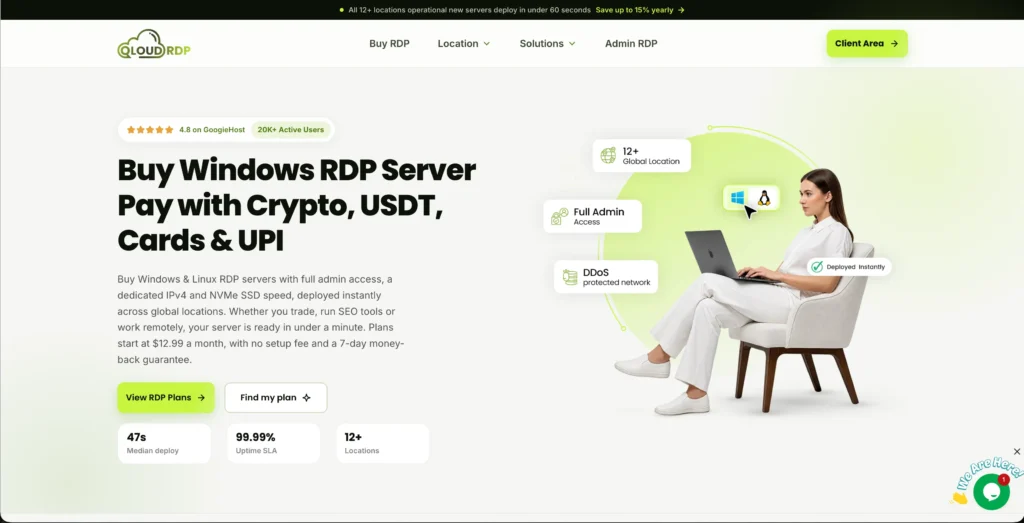
Every plan of theirs includes one dedicated IPv4 address, full administrator access, and NVMe storage. You can install your work tools, manage server settings, and choose from their 12 locations, including India, the Netherlands, and the USA.
This combination makes it a practical option for users who want simple pricing and control over their remote workspace.
Features
Here are the key features:
Pricing
Here is the pricing for QloudRDP:
| Plans | Starting Price (billed yearly) | Specs |
|---|---|---|
| Nova | $12.99/month | 2 vCores, 4 GB DDR4 RAM, 60 GB NVMe SSD. |
| Nova Plus | $23.99/month | 4 vCores, 8 GB DDR4 RAM, 120 GB NVMe SSD. |
| Nova Pro | $34.99/month | 6 vCores, 12 GB DDR4 RAM, 180 GB NVMe SSD. |
Pros & Cons
Here are some pros and cons:
Pros
- Full admin access.
- Ready remote desktop setup.
- Fast NVMe storage.
Cons
- Strict fair usage limitations.
- Refunds only within 7 days.
2. Cloudzy—Best for Static Dedicated IP for Automation.
Cloudzy is a practical choice for users, especially developers and small teams that run scheduled tasks for browser automation. Every Windows VPS includes a static dedicated IPv4 address, giving your tools a consistent connection address for IP allowlisting.
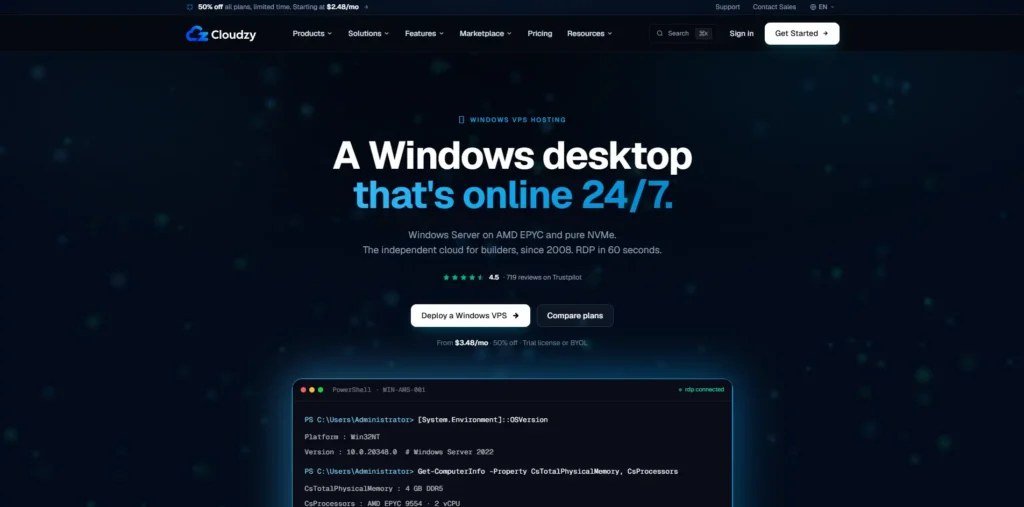
You have full administrator access that lets you install software and manage settings yourself. You get NVMe storage and locations across several regions.
Cloudzy suits users who want an always-on remote workspace for legitimate automation without keeping their own computer running.
Features
Here are the main features:
Pricing
Here is the pricing:
| Plans | Starting Price | Specs |
|---|---|---|
| Starter | $3.48/month | 1 vCPU, 25 GB NVMe, 1 GB DDR5, full administrator RDP. |
| Pro | $7.48/month | 1 vCPU, 60 GB NVMe, 2 GB DDR5, full administrator RDP. |
| Enterprise | $14.48/month | 1 vCPU, 120 GB NVMe, 4 GB DDR5, full administrator RDP. |
Pros & Cons
Here are some pros and cons:
Pros
- Dedicated IPs included by default.
- High infrastructure performance.
- Anonymous & flexible payments.
Cons
- Unmanaged infrastructure.
- Unmanaged servers.
3. Cheap Windows VPS—Best for Budget-Friendly Plans
Cheap Windows VPS is an amazing suits small businesses and remote employees who need an affordable Windows desktop.
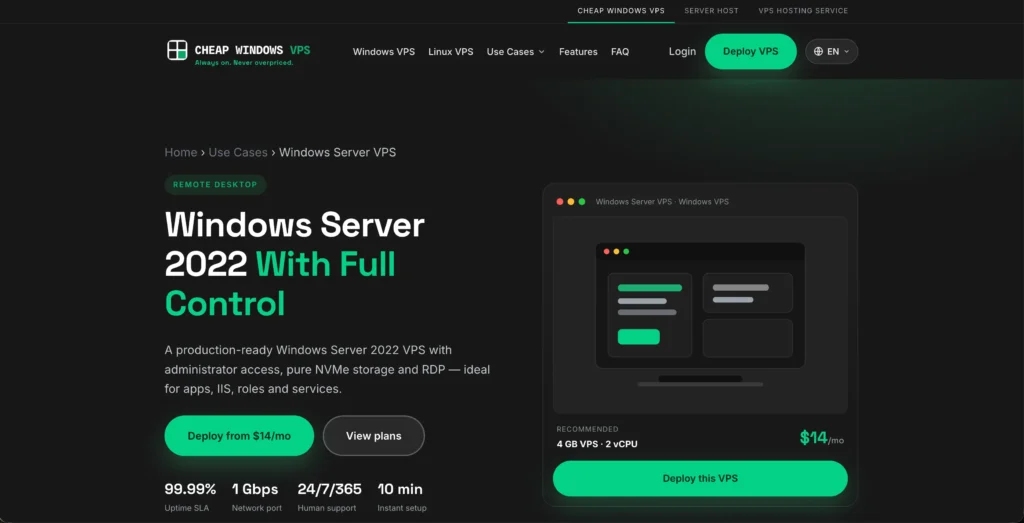
Plans start at $10.50/monthly on annual billing (14 months), with month-to-month options, and include full RDP and administrator access.
You get full administrator access with fresh IPs that let you install your work tools, while unmetered bandwidth helps you avoid traffic overage charges during everyday remote work and file transfers.
A lower annual price makes it worth considering for users who commit upfront to reduce their monthly hosting cost.
Features
Here are the key features:
Pricing:
Here is the pricing for it:
| Plans | Starting Price | Specs |
|---|---|---|
| Basic Use | $10.50/month | 2 vCPU cores, 4 GB RAM, 60 GB NVMe. |
| Business Use | $21.00/month | 3 vCPU cores, 8 GB RAM, and 120 GB NVMe. |
| High Performance | $42.00/month | 4 vCPU cores, 16 GB RAM, 240 GB NVMe. |
Pros & Cons
Here are some pros and cons:
Pros
- Affordable Entry Pricing.
- Dedicated IP Included.
- Full RDP & Admin Access.
Cons
- Manual verification can delay setup.
- Self-managed support overhead.
4. Lightnode—Best for Hourly Billing & Location Choice
Lightnode is a useful option for developers, retailers, and marketing teams that need a Windows desktop for short, reliable projects or regional testing.
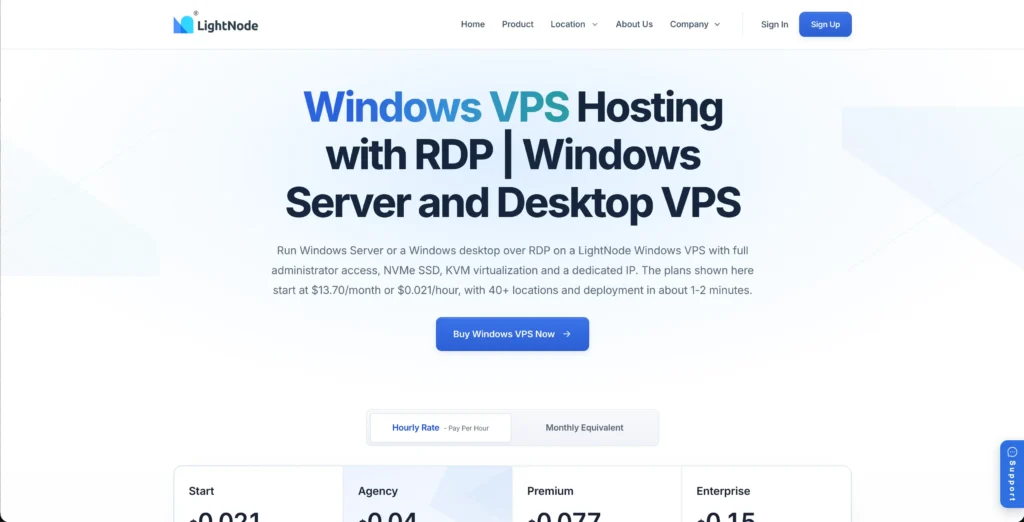
Its hourly billing lets you pay for a shorter deployment instead of choosing a full-month plan. It has more than 40 global locations; you can select a region close to your users or work tools.
It stands out as unique for having a large number of server locations for users. Windows VPS options also include a dedicated IP, administrator access, and NVMe storage for managing your remote workspace.
Features
Here are the main features:
Pricing
Here is the pricing.
| Plans | Starting Price | Specs |
|---|---|---|
| Start | $0.021/hourly | 2 vCPU, 50 GB NVMe SSD, 4 GB DDR4. |
| Agency | $0.04/hourly | 4 vCPU, 50 GB NVMe SSD, 8 GB DDR4. |
| Premium | $0.077/hourly | 8 vCPU, 50 GB NVMe SSD, 16 GB DDR4. |
Pros & Cons
Here are some pros and cons:
Pros
- Cost-efficient hourly and monthly billing.
- Rapid one-click deployment.
- Wide choice of 40+ locations.
Cons
- Support response times can vary.
- Self-managed complexity.
5. InterServer—Best for Maximizing Performance and Security.
InterServer is a reliable choice for remote teams and small businesses that need a Windows workspace with room to grow.
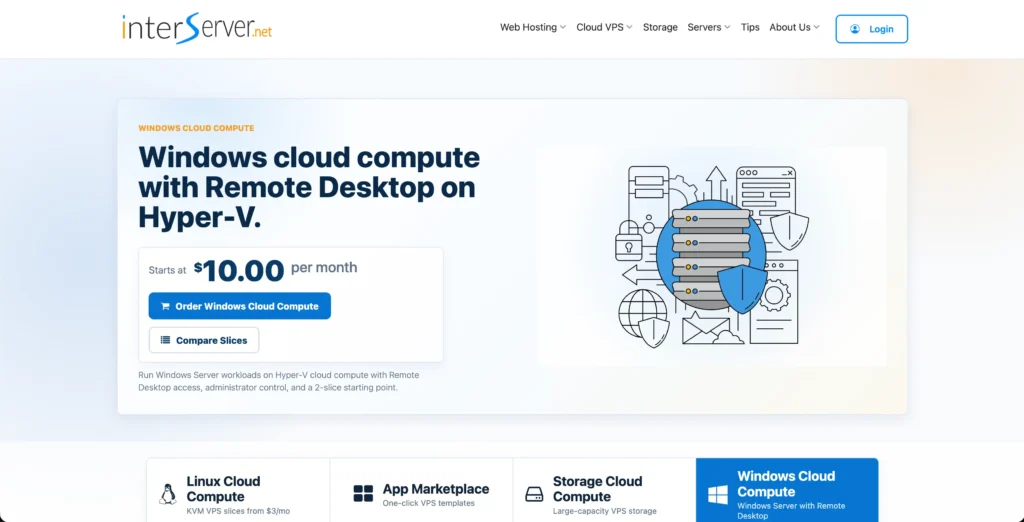
It’s a Windows VPS that uses Hyper-V virtualization to keep your server environment separate from other users. You can have easy upgrades as your workload increases.
Administrator access lets you manage software and settings, while larger plans include managed help for common server issues. Security still depends on proper setup and maintenance.
Features
Here are the main features for you:
Pricing
Here is the pricing:
| Plans | Starting Price | Specs |
|---|---|---|
| 2 Slices | $10/month | 1 core, 4 GB memory, 80 GB SSD. |
| 4 Slices | $20/month | 2 cores, 8 GB memory, 160 GB SSD. |
| 8 Slices | $40/month | 1 core, 16 GB memory, 320 GB SSD. |
Pros & Cons
Here are some pros and cons:
Pros
- Dedicated IPs included.
- Price Lock Guarantee.
- Sliced infrastructure with easy scaling.
Cons
- Support Inconsistency.
- Control Panel can feel technical.
Dedicated IP vs Residential IP: An Honest 2026 Reality Check
A dedicated data center IP gives your RDP server an address that users do not share. But “dedicated” does not automatically mean “clean,” “residential,” or “accepted” by every website.
Let’s understand this more clearly in a table format.
| Factors | Dedicated Datacenter IP | Residential IP |
|---|---|---|
| Where it comes from | A cloud or hosting provider’s network. | A consumer internet provider’s network. Some “static residential” or ISP products are hosted on servers. |
| Use case | Accessing a client’s restricted system, connecting remote teams to business tools, and running scheduled automation | Checking regional website content, verifying advertisements, and testing customer-facing experiences. |
| Clean IP Status | May have a previous abuse history. Exclusive use gives you more control going forward. | Can also have a poor history, especially when shared or reused. Check the IP reputation before use. |
| Website security checks | Platforms can identify the data center network and apply CAPTCHAs or blocks even without any individual blacklist entry. | May reduce checks based on network type, but websites still evaluate account history, browser information, and behaviour. |
For your everyday RDP work, you should focus on exclusive IP assignment, reputation checks, and a clear replacement policy. Consider residential connectivity only when your legitimate workflow needs it.
What Else to Check Besides the Dedicated IP
A dedicated IP is only one part of a useful RDP service. Before buying, check how much control you get, where the server is hosted, and whether its resources suit your work or not.
Also check how the provider checks IP reputation, as these details will help you compare what you are actually getting, not just the advertised price.
Full Admin Access
Check that your plans include full Windows administrator access and not just permission to log in. Admin rights let you install applications, manage user accounts, configure firewall rules, and change server settings.
This matters for freelancers and teams that need their own business tools. Ask whether administrator access is included or requires a paid upgrade.
Server Location
For your everyday remote desktop work, you should choose a location with low network delay between you and the server.
Note: Microsoft recommends placing the virtual desktops close to their users to reduce round-trip latency, which is the time it takes to travel to the server and back.
You can request a test connection before buying, because geographic distance is not the only factor; routing and your internet connection also affect responsiveness.
If your work depends on a database or another business application, consider its location too. A responsive setup needs good connectivity between the user, remote desktop, and the system it accesses.
NVMe Specs and Uptime
Do not choose a plan based on the NVMe label alone. Compare its vCPU allocation, RAM, storage capacity, and any disk performance limits against your application’s requirements.
CPU, memory, storage, and network capacity work together, so the right configuration depends on what you run and not simply the advertised storage type.
Read the provider’s uptime service-level agreement, or SLA. Check what counts as downtime, which exclusions apply, and how you claim compensation. An uptime commitment is not a promise that outages will never happen; SLAs can provide service credits when their stated conditions are met.
Whether the IP Is Truly Clean (Not Recycled)
The important distinction is reputation, not whether the address has ever been assigned before. An IP’s current reputation reflects information about the address or range and its activity; a “fresh” marketing label is not a substitute for checking it.
After delivery, look up the assigned address using the Spamhaus Reputation Checker and test access to the services you legitimately need.
Spamhaus checks its own listings, so a clear result should not be presented as universally approved by every website. Before ordering, also ask your provider to confirm its IP replacement terms in writing, including any fees.
How to Check If Your RDP IP Is Clean
In order to check if your RDP’s public IP has a good reputation, use more than one lookup tool.
Blacklist checks, reputation ratings, and abuse reports show different information, so a single clear result doesn’t guarantee every website will accept the address.
Use these methods to check that your IP is clean.
Use the public IP assigned to your remote server and not your home internet address. If a lookup tool automatically detects your IP, open it inside the remote desktop or manually enter the server’s address. Spamhaus, for example, can automatically recognise the IP visiting its checker.
An old report is different from repeated recent reports. Likewise, an email policy listing is different from a listing associated with spam or compromised systems. Save the results and ask your provider to investigate any relevant reputation problem, following the replacement terms agreed before purchase.
Open your usual business tools and website from inside the RDP. Note any access-denied messages or repeated security challenges. A public checklist check cannot reveal every website’s own restrictions; sites can block an individual IP, an entire hosting network, or a country.
Compare These Reputation Tools
| Tool | What to Check |
|---|---|
| Spamhaus Reputation Checker | Whether the IP appears on Spamhaus blocklists and the reason for any listing. |
| Cisco Talos Intelligence Center | Available web and email reputation information, plus DNS-based blocklist entries. |
| AbuseIPDB | Report categories, report dates, and the abuse confidence score. |
A clean IP is a useful starting point, not a promise of unrestricted access. Compare reputation results, test the services you need, and confirm the provider’s replacement policy before committing. This gives you a clearer picture than relying on a “fresh IP” label alone.
Frequently Asked Questions
Why Does a Clean, Dedicated IP matter for RDP?
A clean, dedicated IP helps you avoid known reputation problems while keeping your RDPs server’s public address separate from unrelated users.
What’s the difference between a dedicated IP and a shared IP RDP?
A dedicated IP is assigned exclusively to your server; a shared IP is used by multiple users. With a shared address, another user’s abuse can lead to restrictions that affect you too. Choose a dedicated IP if you need a consistent address for business-tool allowlisting or better control over its future reputation.
Does a dedicated IP hide my identity?
No, a dedicated IP is not an anonymity tool. Websites can still collect your IP address, cookies, browser details, and information you provide when signing in. Using a remote desktop does not make your account activity anonymous, so treat it as a separate workspace and not a way to hide your identity.
Can a dedicated IP still get blocked?
Yes, websites can block an individual address, a whole IP range, a hosting account, or a country. If you are blocked, record the error message, check the IP’s reputation, and contact the website’s support team. Ask your hosting provider about replacement only when the problem concerns the supplied IP; changing addresses may not resolve a network-wide restriction.
Is a dedicated IP the same as a residential IP?
No, a “Dedicated” IP describes an exclusive user, while “residential” describes the type of network the address belongs to. A dedicated RDP address usually comes from a data center, while a residential address is associated with a consumer internet provider. Residential services can also be shared, so confirm both the network type and exclusivity before paying.
Does every RDP come with a dedicated IP?
No, RDP is only the connection protocol, whereas the hosting provider decides how public IPs are assigned. Some providers include a dedicated address, while shared-IP services also exist. Before ordering, ask: “Will my outgoing internet traffic use a public IP assigned only to my server, and is it included in the price?”
Conclusion
The best dedicated IP RDP provider is the one that fits your daily work, and not simply the one promising a “fresh” address. A dedicated IP gives your RDP server its own address, but that is only one part of a reliable remote workspace.
IP reputation, administrator access, server location, resources, and uptime all deserve attention before you make your final purchase. A dedicated IP RDP works well for freelancers, business owners, developers, and remote employees. The key is just to verify rather than trusting a “Clean IP” label.
Check the reputation results, test your website, and understand your provider’s replacement policy. Clear terms and realistic expectations matter more than promises of a completely trouble-free experience.
Ready for a remote workspace with more control?
Explore QloudRDP plans, confirm the included dedicated IP and replacement terms, and choose a setup that fits your requirements.
💡 Most Loved Article!


Leave a comment