

Stop getting banned mid-scrape. If you’re running heavy-duty web scraping tools like Firecrawl, Scrapy, or Browse AI, your home IP is the weak link sites can easily flag and block it. A reliable RDP solves this.
Here are 5 well-regarded RDP providers QloudRDP, UltaHost, RDPmonster, Kamatera & OVHcloud with a clear breakdown of their pricing and key features to help you choose the best fit for your scraping needs.
The web scraping market is growing fast. As we found from the Mordor intelligence report, the market is worth $1.17 billion in 2026 and will hit $2.23 billion by 2031, growing nearly by 14% every year. More businesses than ever are scraping the web for data.
But the problem is, as scraping is growing, websites are getting smarter at spotting and blocking bots. If you’re scraping from your home internet, your IP gets flagged fast , your script stops working and all your data collection comes to a stop.
I’ve lost hours of work because of this. So, after doing a lot of testing and research, I found a solution that actually works: “Remote Desktop Protocol” server. An RDP gives you a real computer with a real IP address that you can control from anywhere, making it much harder for websites to detect and block you.
Lets start and look at the best RDP for web scraping options for your scraping this year.
Quick Comparison Of Top Providers
Here’s a quick comparison between providers so you can pick based on your budget, location needs, and scraping scale, and all five providers will make your scraping invisible and unstoppable.
| Provider | RAM & CPU | Locations | Pricing | Best For |
|---|---|---|---|---|
| QloudRDP | 2GB RAM, 1 vCPU | 12 | $9.99/month | Production scraping. |
| UltaHost | 2GB RAM DDR5, 2 CPU cores. | 25 | $16.50/month | Reliability & strong security for your scraping. |
| RDPmonster | 6GB DDR4 RAM, 2 cores. | Multiple regions | $7.49/month | Anonymous Scraping. |
| Kamatera | Custom (1GB + 1 vCPU) | 24 | $4/month (Hourly Billing) | Flexibility & global reach for your scraping job. |
| OVHcloud | Custom (4 GB-2v Cores) | 46 | $4.54/month | Budget-scraping |
5 Best AI Web Scraping Tools That Need RDP
These are the five best web scraping tools in 2026. If you use these tools on your remote servers, your scraping job becomes easy and pairing it with an RDP makes it double powerful.
Here’s what each tool does and why RDP is essential for it.
| Tool | What it does | Why need RDP for it | Recommended RDP |
|---|---|---|---|
| Firecrawl | Converts websites to clear markdown for LLMs. | Clean IPs & avoid blocks. | QloudRDP |
| Browse AI | Visual AI Scraper. | Appear as a real human, clicking and scrolling. | QloudRDP |
| Crawl4ai | Open-source crawler designed for AI/LLM. | Bypasses detection with residential IPs. | OVHcloud |
| Apify | Uses pre-built “actors” to scrape millions of e-commerce data. | Multi-server scaling with IP rotation. | QloudRDP |
| Scrapy | An RDP for Python for a scraping framework for developers | Anonymous, rotation IPs for undetected scraping. | UltaHost |
These are the five best web scraping tools in 2026. If you use these tools on your remote servers, your scraping job becomes easy and pairing it with an RDP makes it double powerful.
Why do they fail locally & how does RDP solve these problems?
Web scraping often fails locally because websites have security systems that detect and stop automated scraping attempts.
Repeated requests from a single IP trigger bot detection fast; this hits high-volume crawlers like Apify and Scrapy especially hard, so running them through RDP with clean IPs helps avoid blocks.
Automated tools are easy to fingerprint as bots, but running Firecrawl or Crawl4ai from a remote server makes the traffic look like a real human session instead.
Local machines often struggle to fully render JavaScript-heavy pages, which trips up tools like Browse AI and Crawl4ai that depend on the page loading completely, so RDP servers can handle this rendering smoothly before scraping starts.
Some sites serve different content by region, so when you’re using Apify or Firecrawl for location-specific data, an RDP server based in that region lets your tool access it properly.
Local sessions tend to drop mid-run, which breaks longer scraping jobs, but an RDP keeps your scraping sessions and logins persistent, so tools like Scrapy and Browse AI can run uninterrupted.
A remote desktop for web scraping AI solves all your local scraping issues and failures by running these tools smoothly and from legitimate servers.
It is an easy solution for your demanding scraping projects, letting you scrape using a real computer elsewhere.
Why Do You Need RDP for Web Scraping?
RDP (Remote Desktop Protocol) can completely change your scraping world. Instead of scraping from your home computer, you use a remote server that looks like a real person browsing.
This simple shift removes almost all the problems that make local scraping fail.
Here are some major benefits of using an RDP:
- Save Money: Paid scraping tools charge per page or monthly; RDP costs only $6-$20 per month for 1000 pages.
- Continuous 24/7 Operations: RDP lets you scrape automatically 24/7, giving you an uptime guarantee of 99.99%, even while you sleep, checking prices hourly or every minute.
- IP Anonymity: Scraping from RDP makes websites see you as different people from different locations, hiding your real IP.
- No Slowing Down: RDP lets you run scrapers at full speed, pulling around 1000 pages per hour without the rate limits that many paid scraping APIs impose.
- You Control Everything: RDP gives you a full remote desktop, so you can install and configure any scraping tool you want, like Scrapy or Firecrawl or your own custom scripts. You can set proxies and schedule jobs exactly how your scraping workflow needs them.
A reliable RDP gives you the freedom. Freedom from paying for expensive websites and freedom from being tracked. This is why smart people have started using RDP instead of paying for scraping services.
Now, after researching for a good number of days, I have finally picked out the 5 best RDP providers that give you amazing scraping experiences.
Top RDP providers for Web Scraping
Here are the five providers with every major aspect covered for your scraping.
TL;DR
- QloudRDP is the best with reliability & cost-effectiveness.
- UltaHost is best for your general-purpose option.
- RDPmonster is just about privacy focus and affordability.
- Kamatera is best for scalability.
- OVHcloud gets you clean IPs for automation.
1. QloudRDP
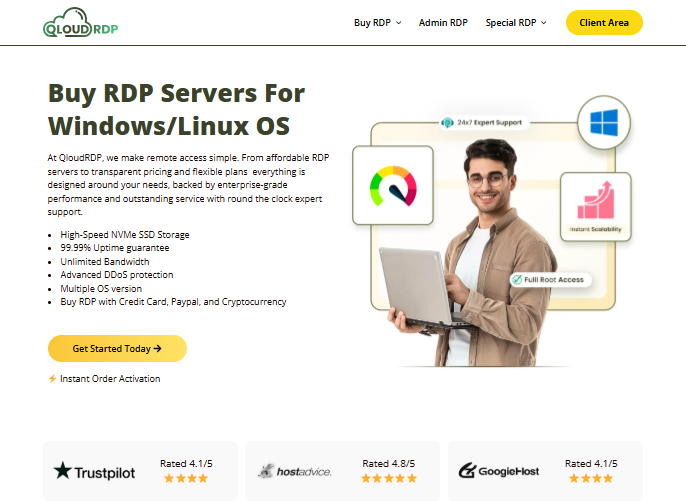
Ideal For: QloudRDP is best for heavy automation tasks, 99.99% uptime, and tools like Firecrawl & Scrapy.
Key Feature
Let’s see its core features:
Pricing Plans
Here are QloudRDP’s plans for your web scraping needs, which you can refer to and choose as per your budget and requirements.
Note: QloudRDP supports multiple gateway methods like BTC, Crypto, paypal or you can buy RDP with credit card also, giving users flexible and reliable ways to connect to their RDP instances.
| Plans | Starting Price | Specs |
|---|---|---|
| Standard | $9.99/month | 1 vCPU, 2 GB RAM, 70 GB NVMe, admin access. |
| Professional | $15.99/month | 4 vCPU, 4 GB RAM, 100 GB NVMe. |
| Enterprise | $25.99/month | 4 vCPUs, 8 GB RAM, 120 GB NVMe. |
Our Expert’s Verdict
QloudRDP comes across as a solid choice for your web scraping thanks to its 99.99% uptime and full admin access for installing tools like Firecrawl and Scrapy. Though it’s not the cheapest option, heavier scraping workloads may need a pricier plan than the base tier offers.
Disclaimer: QloudRDP is our provider, but we have been completely unbiased, and our findings are purely based on technical performance metrics.
2. UltaHost
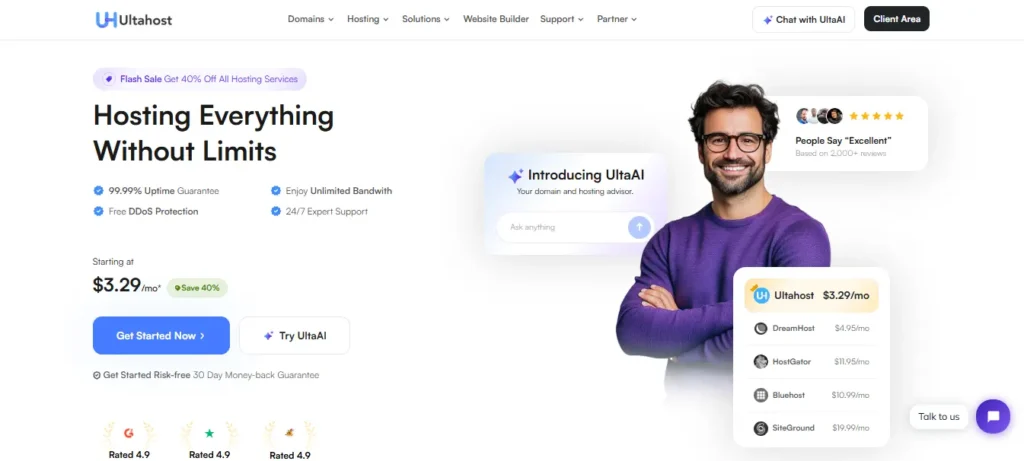
Ideal For: UltaHost is perfect for scrapers wanting fast performance using tools like Firecrawl, Scrapy, and Crawl4ai.
Key Features
Here are the major features of UltaHost for your scraping needs:
Pricing Plans
Here is the first basic plan for UltaHost that fulfills your minimum requirements for your web scraping projects.
| Plans | Starting Price | Specs |
|---|---|---|
| Basic Windows VPS | $16.50/month | 2 CPU cores, 2 GB RAM DDR5, 50 GB NVMe. |
| Business Windows VPS | $24.50/month | 2 CPU cores, 4 GB RAM DDR5, 80 GB NVMe. |
| Professional Windows VPS | $33.99/month | 3 CPU cores, 6 GB RAM DDR5, and 150 GB NVMe. |
Our Expert’s Verdict
UltaHost is worth a close look; you get free daily backups, which means you won’t lose scraped data if something goes wrong. One of the real advantages is that you can pull data at scale without getting blocked. It is a powerful combination of performance and protection for you.
3. RDPmonster
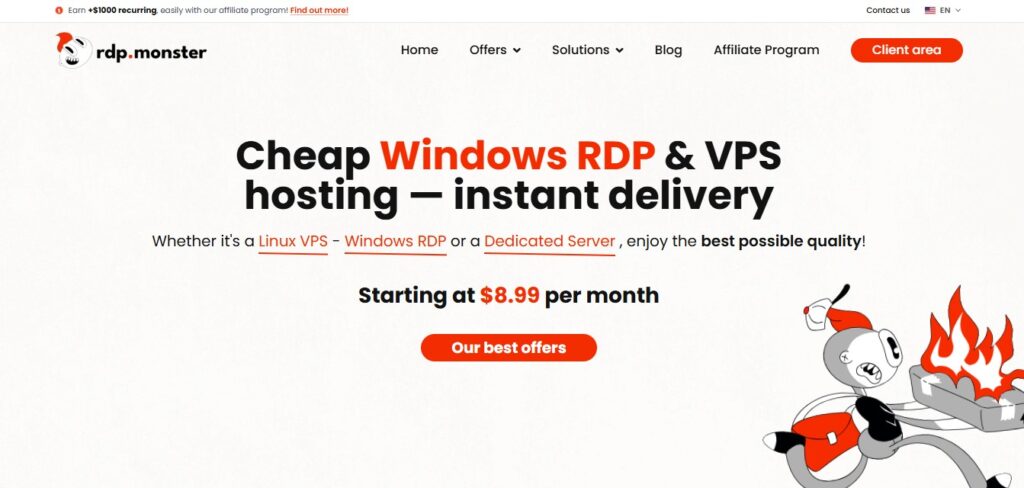
Ideal For: Small-scraping projects are good for small-to-medium projects.
Key Features
Here are the RDP Monster’s features you should know:
Pricing Plans
This is the RDP plan for RDPmonster, and we recommend starting with their basic plan for your web scraping needs.
| Plans | Starting Price | Specs |
|---|---|---|
| Basic | $7.49/month | 2 cores, 6 GB DDR4, 40 GB SSD NVMe. |
| Standard | $14.16/month | 4 cores, 8 GB DDR4, 70 GB SSD NVMe. |
| Pro | $24.99/month | 6 cores, 12 GB DDR4, 80 GB SSD NVMe. |
Our Expert’s Verdict
This provider excels in affordability and privacy. It is an attractive choice for scraping on a budget.
4. Kamatera
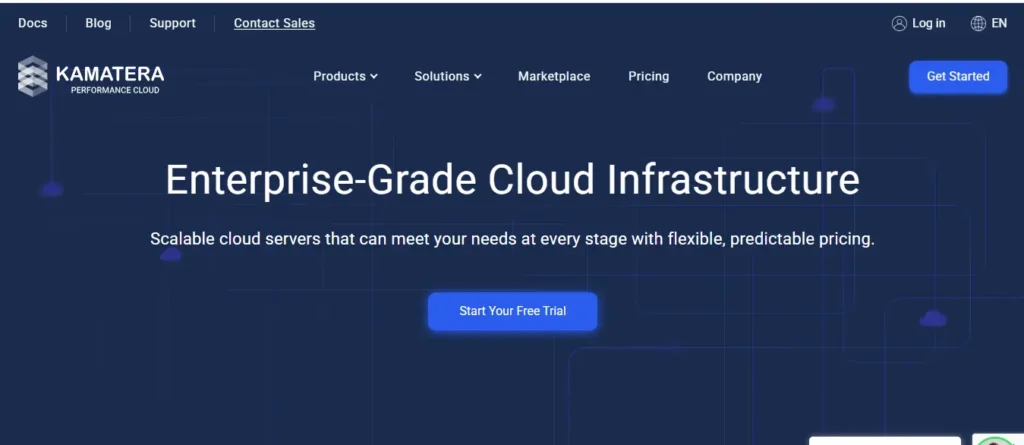
Ideal For: Kamatera is perfect for teams and developers, offering scalable scraping infrastructure.
Key Features
Here are the major features of Kamatera:
Pricing Plans
Kamatera’s basic plan starts at $4/month and offers you the minimum web scraping requirements. But it also offers scalability; scale your resources and pay accordingly. You pay only for what you use.
| Plans | Starting Price | Specs |
|---|---|---|
| Type A | $4/month | 2 cores, 2 GB RAM, 20 GB NVMe SSD storage. |
| Type B | $25/month | 4 cores, 4 GB RAM, 40 GB NVMe SSD storage. |
| Type D | $50/month | 6 cores, 6 GB RAM, 80 GB NVMe SSD storage. |
Note: Kamatera offers a 30-day money-back guarantee with $100 in credits.
Our Expert’s Verdict
Best for serious developers. You get absolute flexibility with hourly billing, instant scaling, and servers worldwide. The $100 credit plus 30 days free trial is truly a benchmark for this provider.
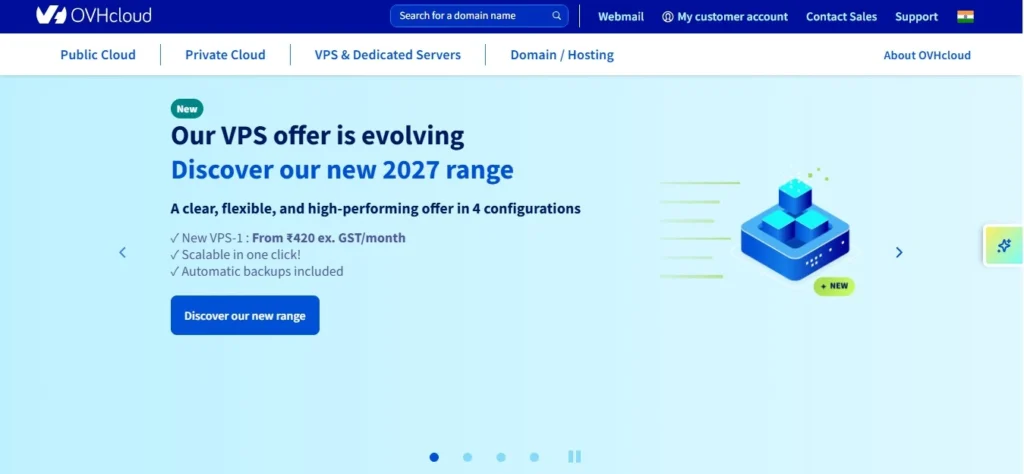
5. OVHcloud
Ideal For: Perfect for large-scale e-commerce price monitoring, dedicated servers lets you run multiple scraper instances.
Key Features
Let’s see OVHcloud’s features and understand them more.
Pricing Plans
OVHcloud’s recommended pricing is given below so you can start with web scraping using its minimum specs.
| Plans | Starting Price | Specs |
|---|---|---|
| VPS 1 | $4.54/month | 2 vCores, 4 GB RAM, 40 GB SSD |
| VPS 2 | $8.50/month | 4 vCores, 8 GB RAM, 75 GB SSD |
| VPS 3 | $12.32/month | 6 vCores, 12 GB RAM, 100 GB SSD |
Our Expert’s Verdict
This provider seemed unbeatable for budget scraping at $4.54/month until the gateway charged more than advertised, which I disliked. Providers should show exact pricing upfront. Whichever provider you pick, ensure it offers anonymity and blocks no IPs so that traditional scraping struggles are over.
Quick step-by-step guide to set up web scraping on RDP
Now I will explain to you easy and navigable steps so that you can also set up your scraping environment easily and manage it.
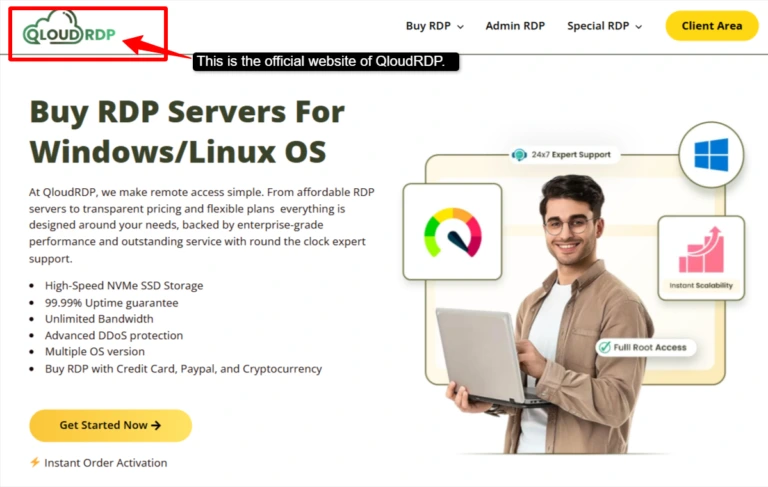
- Step 1: Visit the official website of QloudRDP >> Select a plan based on your scraping needs.
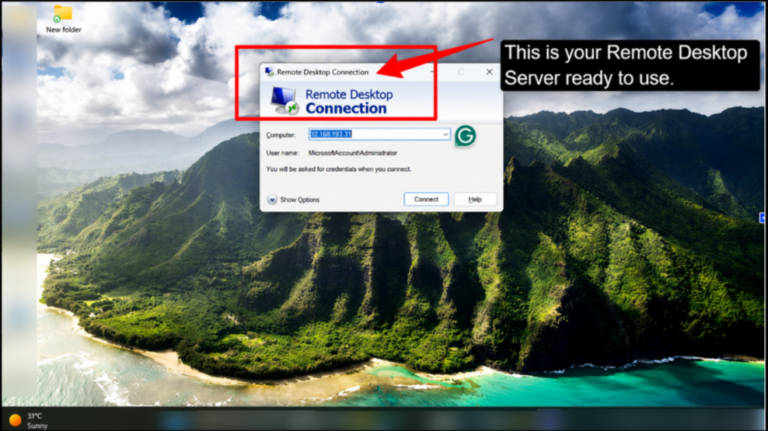
- Step 2: On Windows, open Remote Desktop Connection >> Enter your QloudRDP server IP >> Username >> Password >> Click connect and wait for your remote desktop to load >> You’re now inside your QloudRDP server.
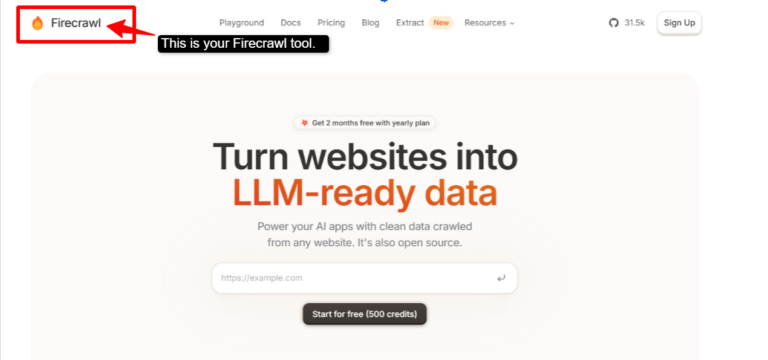
- Step 3: Download and install your scraping tool >> Firecrawl, Crawl4ai, or Apify >> Install the tool >> Set it up exactly how you need it.
- Step 4: Download a proxy rotation tool (like Oxylabs or Fleet Proxy) if needed >> QloudRDP allows open ports or installs proxy software >> This rotates your IP addresses, making detection nearly impossible.
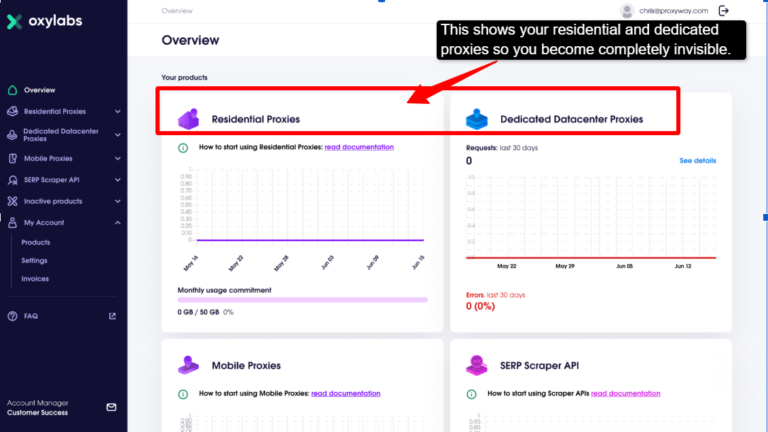
- Step 5: Create your scraping script >> Point your tool to the websites you want to scrape >> Test with a small number of pages >> Once tested successfully, you can scale to thousands of pages per hour.
- Step 6: Start your scraper and let it run continuously.
After you follow all these steps, you can easily do your scraping and enjoy QloudRDP’s continuity with a 99.99% uptime guarantee.
Check results regularly, and your scraping happens seamlessly in the background.
Conclusion
Scraping from home computer doesn’t work anymore. Websites block your IP, spot automated behaviour and restrict access by location and leaves you with broken scripts and lost data.
Among the options out there, QloudRDP stood out during testing. Two things make it worth it, you get consistent uptime for long scraping sessions, and unlimited bandwidth means you’re not stuck worrying about data caps mid-job. s and pricing that doesn’t stretch your budget for serious scraping work.
Scraping is not your losing battle against bot detection anymore. Just pick a reliable RDP, and get back to collecting the data you actually need.
Further Readings
FAQs
Is web scraping legal?
Yes, web scraping is legal in most of the countries, but it depends on what you’re scraping and how. Scraping public data is generally allowed, but always check the website’s terms and conditions. Avoid scraping personal data, copyrighted content, and information behind login walls without any permission.
What’s the best RDP, and what RDP specs do I need for web scraping?
QloudRDP is the best choice; it offers you a 99.99% uptime guarantee, unlimited bandwidth, and full admin access. For specs, you need a minimum of 2 GB RAM, 2 CPU cores, and 40 GB SSD storage, and for your large-scale scraping, you can easily upgrade to 4 GB RAM AND 4 CPU cores. This can handle thousands of pages per hour with zero lag.
How do I avoid IP bans while using RDP for large-scale web scraping?
You can use proxy rotation to change IPs between requests. Install proxy software on your RDP. Use residential IPs instead of datacenter IPs and rotate user agents and headers. Keep your scraping speeds reasonable and don’t overwhelm servers.
Can I use free proxies for scraping?
No, avoid free proxies as they are slow and unreliable. They often get blocked by websites. Paid proxies like Bright Data, Oxylabs, or Smartproxy are better but expensive. So your best solution is to use an RDP with IP rotation built in. It’s cheaper than proxy services and more reliable.





Leave a comment