

Quick Summary: Web scraping fails without RDP. 7 powerful and best AI web scraping tools: Firecrawl, Browse AI, Apify, Scrapy, Crawl4ai, Gumloop, and Octoparse; extract data reliably only when backed by RDP infrastructure. Choose your tool based on needs; pair it with the right RDP provider for efficient results.
The web scraping market is growing, with 782.5 billion in 2025 and projected to reach 2.7 billion by 2035, as per the Research Nester report.
It’s becoming powerful day by day and bringing new challenges for users. Your scrapers get blocked by websites, long-running jobs fail halfway and tools that worked yesterday for you stop working today.
This usually happens because most scraping setups lack proper infrastructure. SEO teams miss their ranking updates, or developers waste time fixing detection bots. So people switch to RDP infrastructure, so its like you run your scrapers on a dedicated remote server, they work more reliably.
Your crawlers can run 24/7 in the background with zero interruptions, using different IP addresses so websites don’t block them easily and you don’t lose your data.
Here, we bring you the 7 best ai web scraping tools thats works amazing when paired with RDP server. Each tool has different strengthens but don’t worry we’ll help you pick the best one.
7 Best AI Web Scraping Tools
Web scraping is the backbone of the modern data strategy. So, choosing the right scraping tool means understanding what each excels at. Here’s your complete guide to selecting the perfect tool for your needs.
| Tool | Best For | RDP required | Recommended RDP Provider | Price | Unique AI Feature |
|---|---|---|---|---|---|
| Firecrawl | JavaScript-heavy sites | 2-4 GB RAM | UltaHost | Free, Paid @ $15.80/month | AI-powered content cleanup |
| Browse AI | No-code visual scraping | 0 GB needed | QloudRDP | Free, Paid @ $48.00/month | Visual Learning |
| Apify | Large-scale Enterprise scraping | 2-4 GB RAM | RDPmonster | Free, Paid @ $29/month | Pre-built actors for 100+ popular sites. |
| Scrapy | Custom Python scraping. | 1-2 GB RAM | UltaHost | Free | Full framework control. |
| Crawl4ai | AI projects, lightweight crawling. | 4-8 GB RAM | QloudRDP | Free | AI-optimized output format. |
| Gumloop | Workflow automation. | 0 GB needed | QloudRDP | Free, Paid @ $37/month | Auto-routes extracts data to CRM/email/sheets. |
| Octoparse | Template-based visual scraping. | 2-4 GB RAM | RDPmonster | Free, Paid @ $69/month. | Smart scheduler prevents blocks with IP rotation. |
Every tool on this list becomes more reliable and powerful with a proper remote server. Let’s start with each tool in detail.
1. FireCrawl
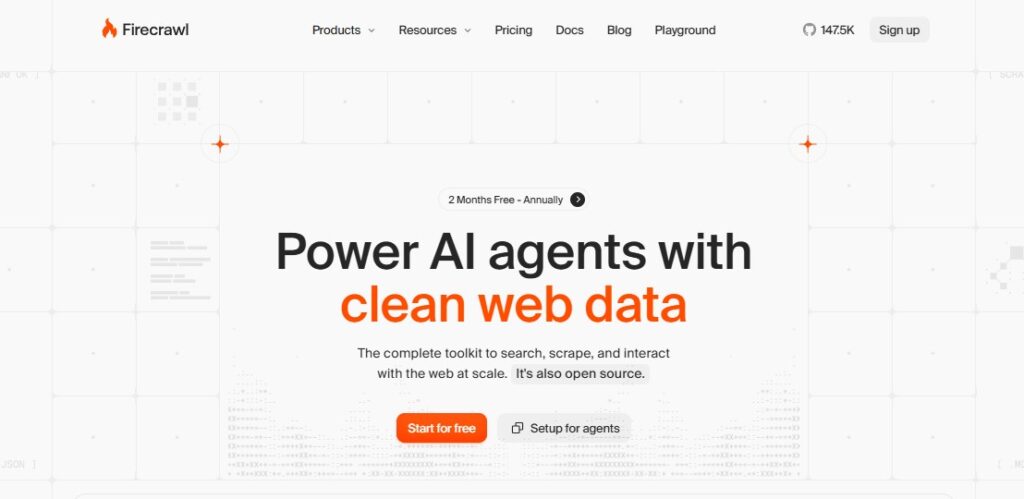
FireCrawl is an AI-powered web scraping tool that converts any website into clean, structured data (JSON or Markdown). It handles complex sites with JavaScript, dynamic content, and heavy styling.
- Price, Starting @ $15.80/month.
- Rating: 4.5/5.
Focus on
FireCrawl focuses on rendering JavaScript- heavy pages fully before scraping, then automatically scrap out the junk, ads and noise and giving you clean content.
Why does it need RDP
There are possible good reasons as to why scraper tools need RDP, like
| Note: Residential IPs are not provided by default, but you ca demand them from your respective provider. |
What I liked
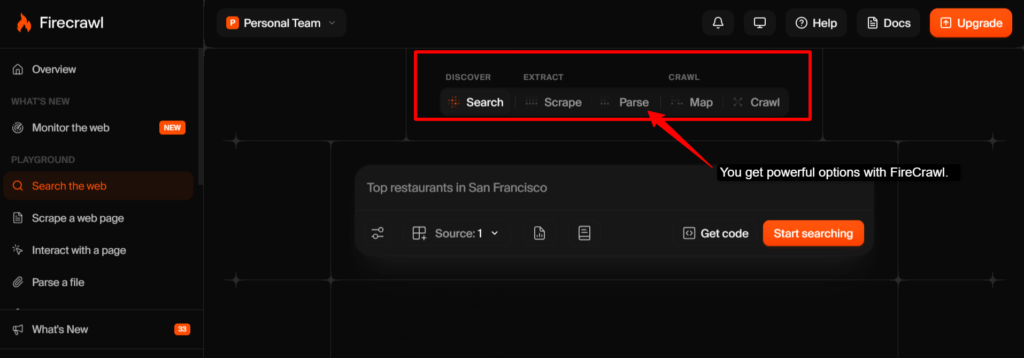
I found Firecrawl simple yet very powerful. It requires no coding for your basic scraping, yet it is flexible enough for your complex extraction tools. The web scraping API is fast, and the data output you get is clean.
2. Browse AI
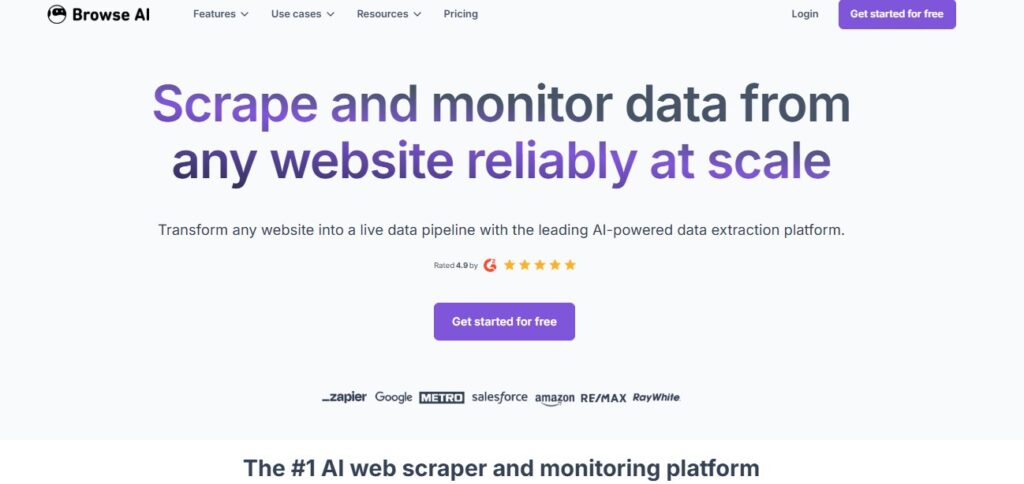
Brose AI is a no-code visual web scraping tool designed for non-technical users. Instead of writing code, you click on the data you want to extract, and Browse AI learns the pattern automatically.
- Price: Starting @ $48.00/month.
- Rating: 4.8/5.
Focus on
Browse AI learns your data pattern with a simple click, then automatically tracks competitors’ processes, job listings or rankings and notifies you of any changes made.
Why does it need RDP
This tool needs RDP because:
What I liked
I found it extremely user-friendly for non-technical teams. The visual interface is intuitive, and the monitoring feature is very powerful for your competitive intelligence.
3. Apify
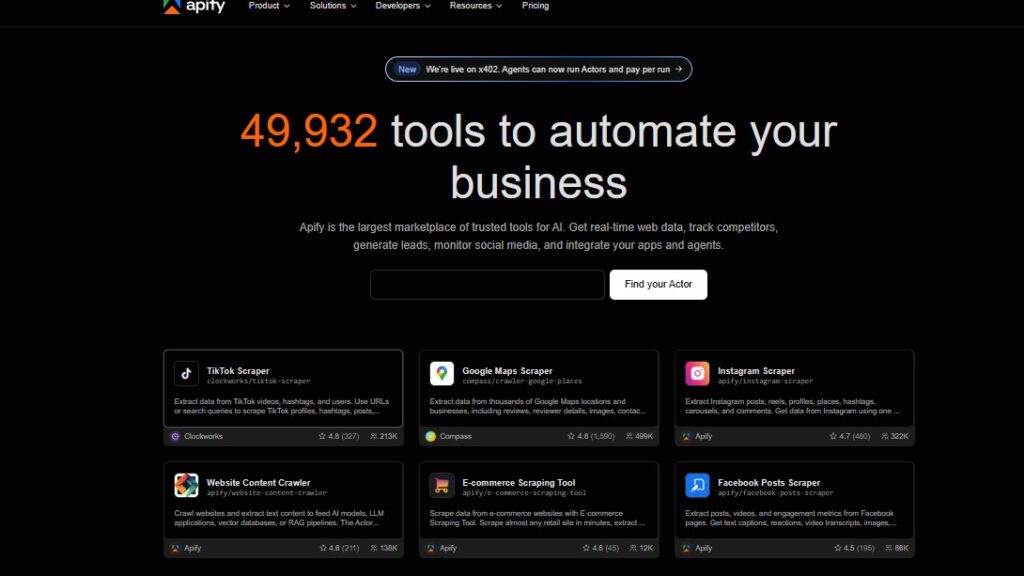
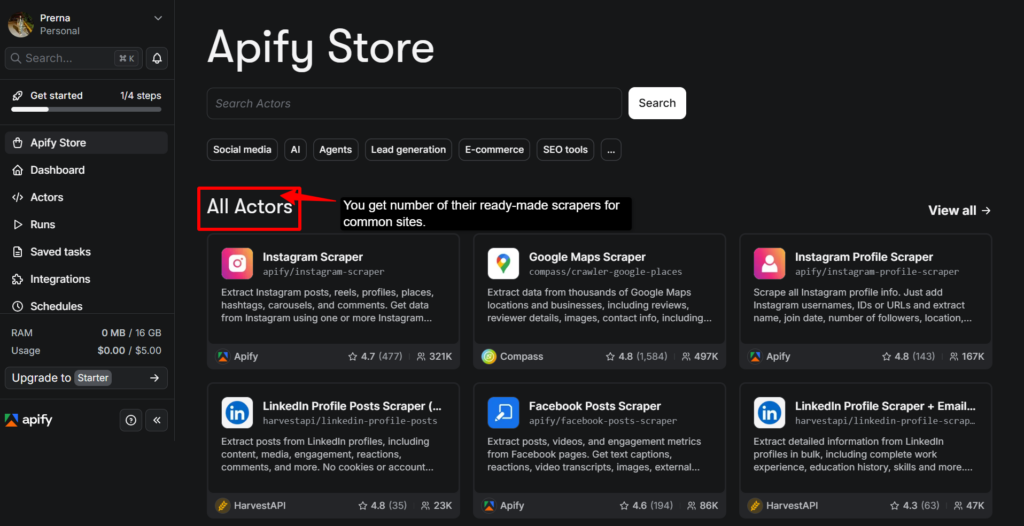
Apify is a full-featured web scraping and automation platform that offers pre-built “actors” (ready-made scrapers for common sites) plus tools to build your custom scrapers.
- Price: Starting @ $29/month
- Rating: 4.7/5.
Focus on
Apify gives you full JavaScript support to build complex scrapers for any website, backed by cloud infrastructure that scales with your needs.
Why does it need RDP
Apify needs remote desktop servers for important reasons, like the following:
What I liked
Apify is enterprise-grade and developer-friendly. I really like its pre-built, ready-made scrapers for common sites that saved me massive time, along with its custom builder, which gives you full control.
4. Scrapy
Scrapy is a powerful open-source Python framework that is built for professional developers to create their custom web scrapers. You can install the Microsoft C++ Build Tools on Windows or macOS RDP, as it compiles Scrapy’s networking library, so it functions smoothly.
- It is a free and open-source web scraping tool.
- Rating: 4.7/5.
Focus on
Scrapy gives developers a full Python scraping framework and pipelines for enterprise-scale scrapers, letting you write custom logic for error handling and data processing.
Why does it need RDP
Scrapy needs RDP because
What I liked
I liked that Scrapy is incredibly efficient for developers. You get a clean framework design, and performance is exceptional. It is best for building your production-grade scrapers.
5. Crawl4ai
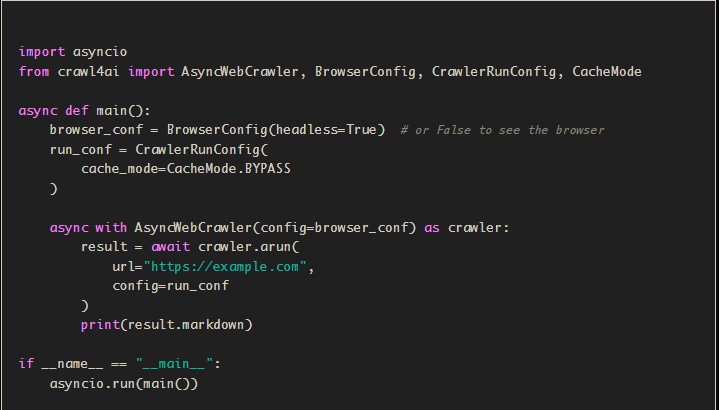
Crawl4AI is a lightweight and free web crawler designed especially for AI projects and data extraction. It is best for developers building AI pipelines, content aggregators, and automated data collection systems.
- It is a free and open-source web scraping tool.
- Rating: 4.6/5.
Focus on
Crawl4ai is free to use for extracting your structured data optimized for machine learning models and AI training.
Why does it need RDP
Crawl4ai requires RDP for good reasons:
What I liked
It is a refreshingly very simple and practical tool. Being free and open-source makes it best for experimentation and prototyping, which mainly focuses on smart AI data extraction.
6. Gumloop
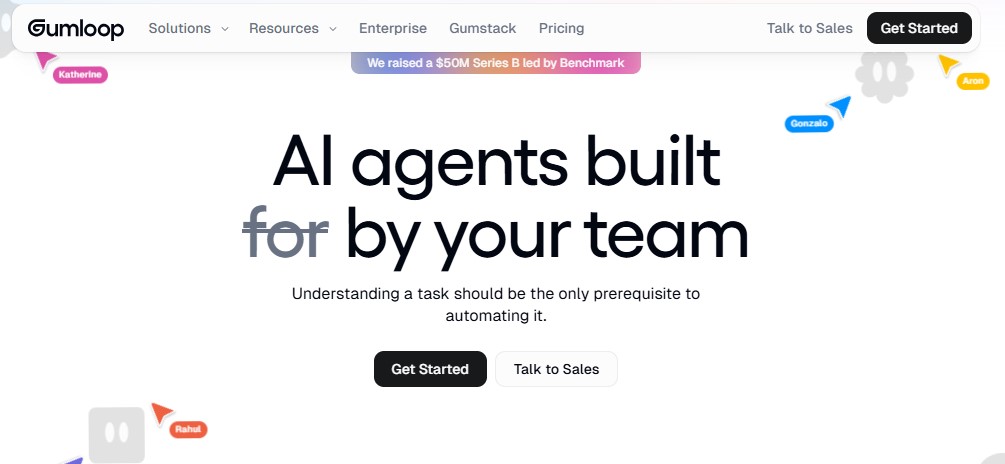
Gumloop is a no-code automation platform that connects web scraping, AI, and workflow tools together. It allows you to build automated data pipelines by linking Gumloop’s scraping capabilities with other services (CRMs, spreadsheets, and APIs).
- Price: Starting @ $37/month.
- Rating: 4.8/5.
Focus on
Gumloop connects scraping directly to CRMs, email, and Slack through plug-and-play connectors, letting you extract and route data across hundreds of apps.
Why does it need RDP
Gumloop requires RDP for good reasons, like the following:
What I liked
I found it perfect for connecting scraping to real business needs, and the workflow automation saves you huge amounts of manual work.
7. Octoparse
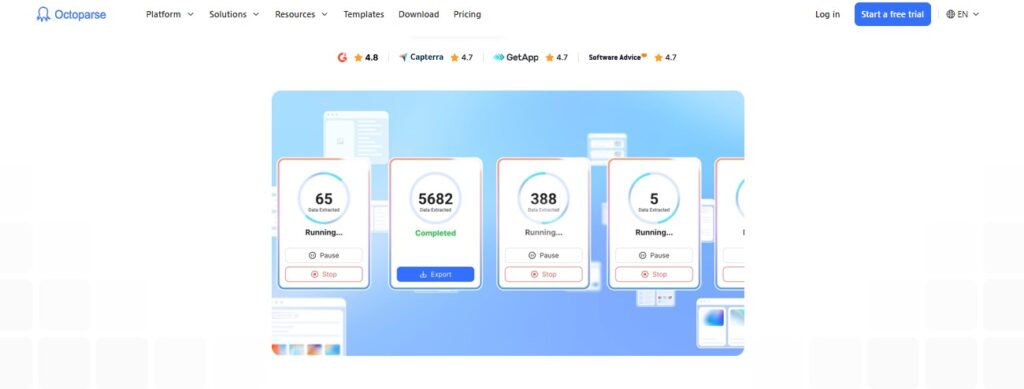
Octoparse is a visual template-based web scraper with cloud hosting included. It combines the ease of visual point-and-click scraping with built-in cloud infrastructure to run jobs 24/7.
- Price: Starting @ $69/month
- Rating: 4.8/5.
Focus on
Octoparse learns your extraction pattern with a simple click, then runs the job continuously on its own servers. You don’t need any local installation for this.
Why does it need RDP
Octoparse requires a remote server because
What I liked
Octoparse is really a reliable and practical choice; I found it great for middle-ground work between simple tools and complex frameworks. It really bridges the gap.
Why does each tool need RDP?
Web scraping without RDP infrastructure is like driving with no seatbelt; you might make one trip, but you’ll eventually crash later. Here’s the complete breakdown for you.
| Problem without RDP | How RDP Solves It |
|---|---|
| IP Blocking | RDP rotates through millions of residential IPs, so each request appears from a trusted user. |
| Bot Detection | It adds human-like behaviour signatures. |
| Rate Limiting | A remote server cycles through different addresses, bypassing per-IP rate limits completely. |
| Geographic Blocking | RDP offers IPs from 190+ countries, letting you access location-specific data. |
| CAPTCHA Walls | Remote servers’ residential IPs solve fewer CAPTCHAs because websites trust them. |
| Session Interruptions. | It changes your device location, ISP, and network signature with each connection. |
All 7 scraping tools become 10x more reliable with RDP backing them, so you are constantly fighting blocks, bans, and failures.
Connect your tool with a reliable RDP so your data flows smoothly and consistently at scale.
Top 3 Best Providers In Short
You should choose the right RDP provider; it makes or breaks your scraping setup. Here are the top 3 that deliver high performance, reliability, and value for web scraping AI operations.
1. QloudRDP
Teams needing fast, affordable RDP for heavy-automation tasks.
2. UltaHost
It is best for developers running Scrapy and Apify needing high and fast CPU performance.
3. RDPmonster
Small-to-medium scraping project teams require massive scale and 24/7 reliability.
Pick the provider that matches your scraping scale and tool choice. Start small, and then you can upgrade later as you grow.
Note
If you require more knowledge about more reliable RDP platforms for your scraping needs, then you can also refer to our other article, where you will find more providers with proper setup knowledge.
Conclusion
Web scraping is a powerful activity, but only when it actually works. The 7 tools that we have covered are all excellent, but they share one critical need: RDP infrastructure.
Your scraper can get blocked if you don’t use a reliable RDP; without a remote server, it can run reliably for months.
Websites block data center IPs instantly, but fresh IPs from a remote server are trusted. That’s the difference between failure and success: your choice of a remote server.
Either you are a marketer tracking competitors or a developer building AI models; RDP can turn unreliable scraping into a strong or bulletproof system, so choose wisely.
Power your web scraping with a trusted RDP provider today.
Further Reading
Frequently Asked Questions
Why do AI web scraping tools work better on RDP?
AI scrapers need residential IPs to avoid detection; a reliable remote server provides these IPs. If not these servers, websites can instantly block your scraper after a few requests. But with RDP, your scraper runs undetected because websites trust residential addresses.
Which type of RDP is best for Python scraping?
Windows RDP with high CPU (8+ cores) is best for Scrapy. You need processing power for custom Python logic, concurrent connections, and data processing. You can pair it with residential proxy APIs that Python libraries can integrate with easily.
Which scraping workloads should I run on RDP instead of my local machine?
You can run anything continuous or large-scale on RDP. Your local machine will overheat, crash, or slow down, so you can move to a remote server for 24/7 monitoring jobs, scraping 10,000+ pages, running multiple tools simultaneously, or jobs requiring different geographic IPs.
Can I run multiple scraping jobs on one RDP?
Yes, if you RDP and it’s properly specced. But make sure you use different residential IPs for each job to prevent blocks. Once an IP handling 5 concurrent scrapers gets detected instantly, rotate IPs for safe parallel scraping.
Is Admin RDP better than a VPS for web scraping tools?
Yes, Admin RDP is better than a VPS because it gives complete access, it is more secure and allows your proxy manager. It allows to run scraping tools 24/7, install and configure software with zero restrictions. All these are very essential for your web scraping tool.




Leave a comment